Page 79
Watching One Program While Recording Another
Setting Up an Automatic Event Timer
1. Select a future program using the Browse Banner,
Themes menu orthe Program Guide.
2.
Tip: Remote
Control 1 is used to
control TV1 menus
on the nearby TV.
Remote Control 2
is used to control
TV2 menus on the
remote TV(s).
Tip: You can edit
and delete timers
from either TV
output.
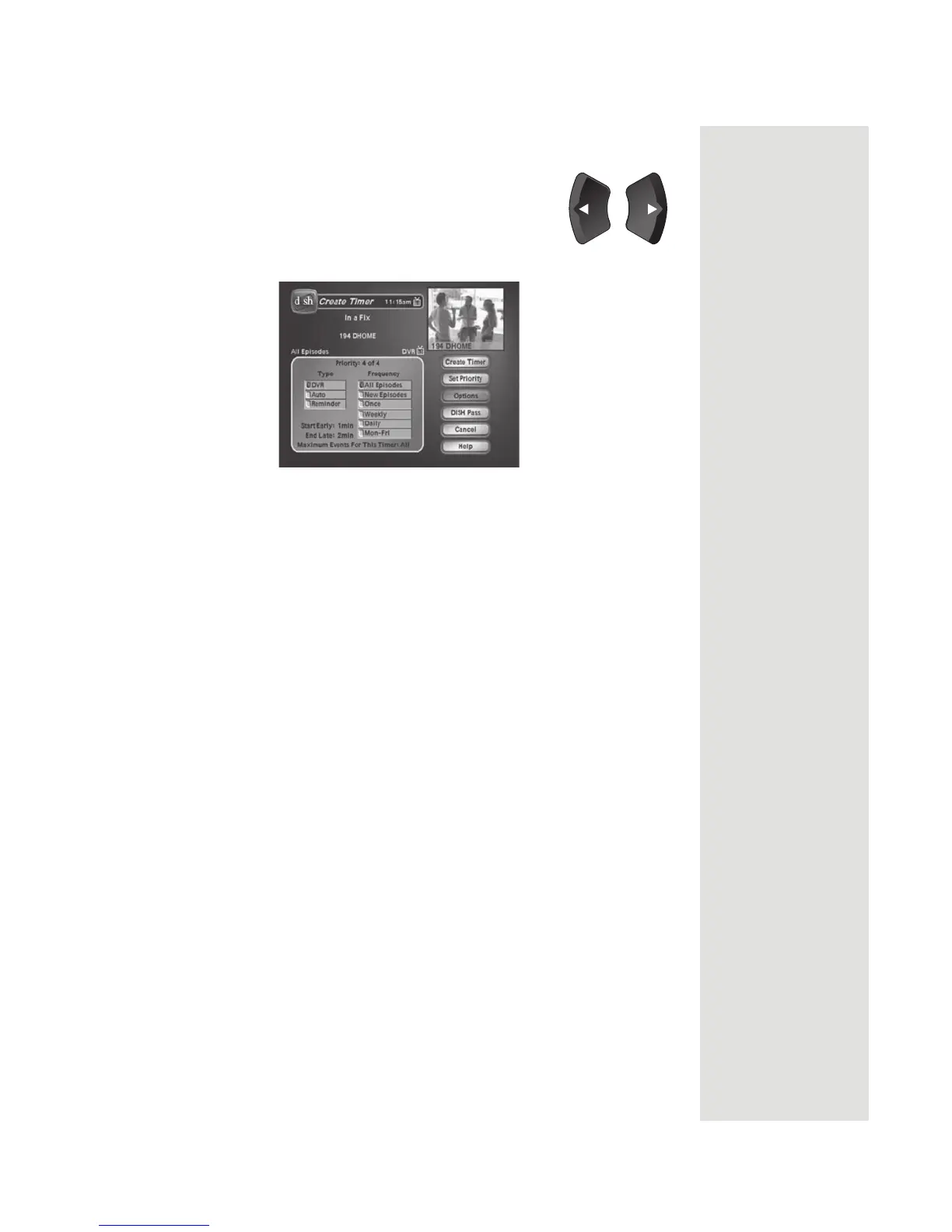
Select a Timer Frequency option. Notice that a mark displays in the box.
3. Select a
Timer Type.
4. Select the
Create Timer option to save the event timer.
5. The
Program Guide displays which satellite receiver output is scheduled to
record the event. When
Record Plus is enabled, the satellite receiver
automatically selects the output you chose when you set up
Record Plus.













 To Next Page