7
Displays2go Rev. 10/15/19
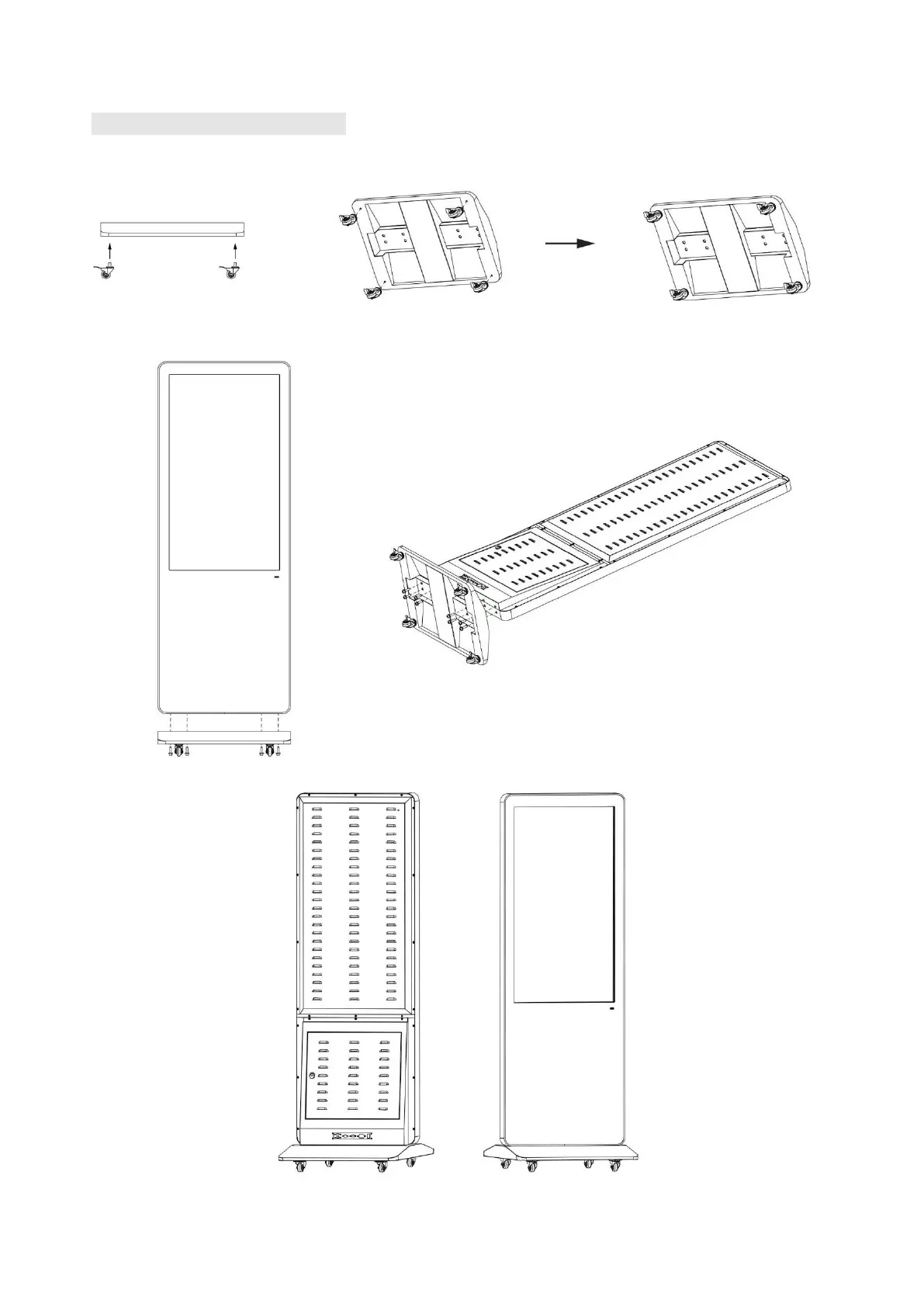
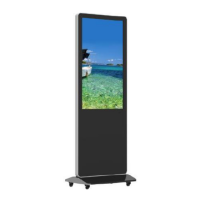
Steps for Assembly with Casters
1. To use this product as a mobile unit, install 4 casters to the metal base by threading them into the holes
on the bottom of the base. Tighten all casters with a 14mm wrench.
2. Connect the base and the digital poster with provided screws. Tighten all screws with an Allen wrench.
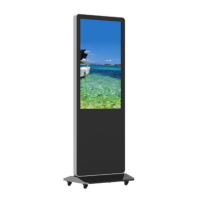
3. The assembly is finished:


 To Next Page