9
Displays2go Rev. 10/15/19
Description of Basic Operation
Power on/Standby
Insert the power plug into the outlet. If the Digital Signage has the switch button “I”, turn it on; if you press the
switch button “O”, the Digital Signage enters standby state.
In power on state, enter “System Assistant” and press the “ ” button on the remote control, and the Digital
Signage enters standby state.
About Launch Desktop
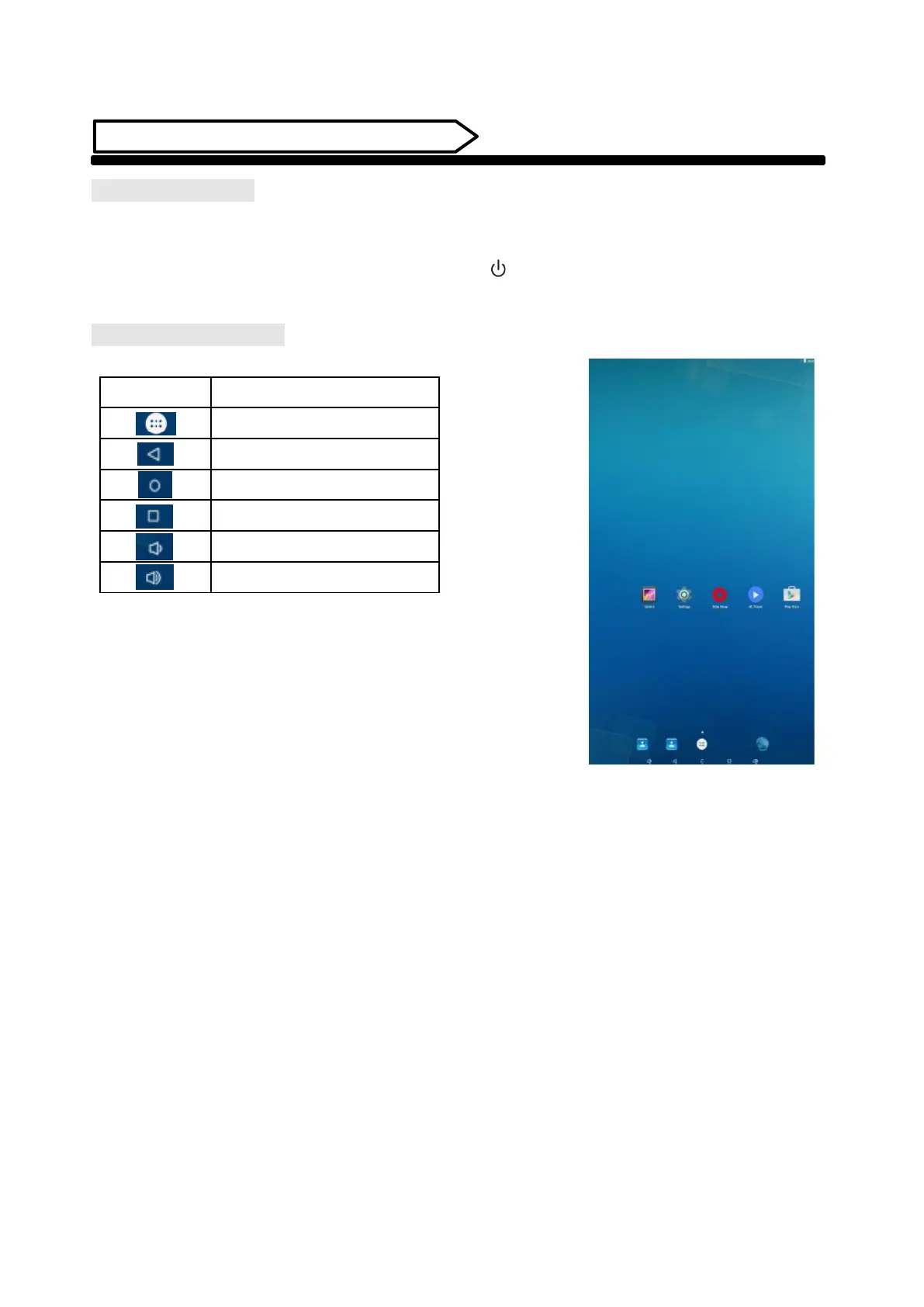
Description of Desktop Icons


 To Next Page