9
IP2162EN
EN
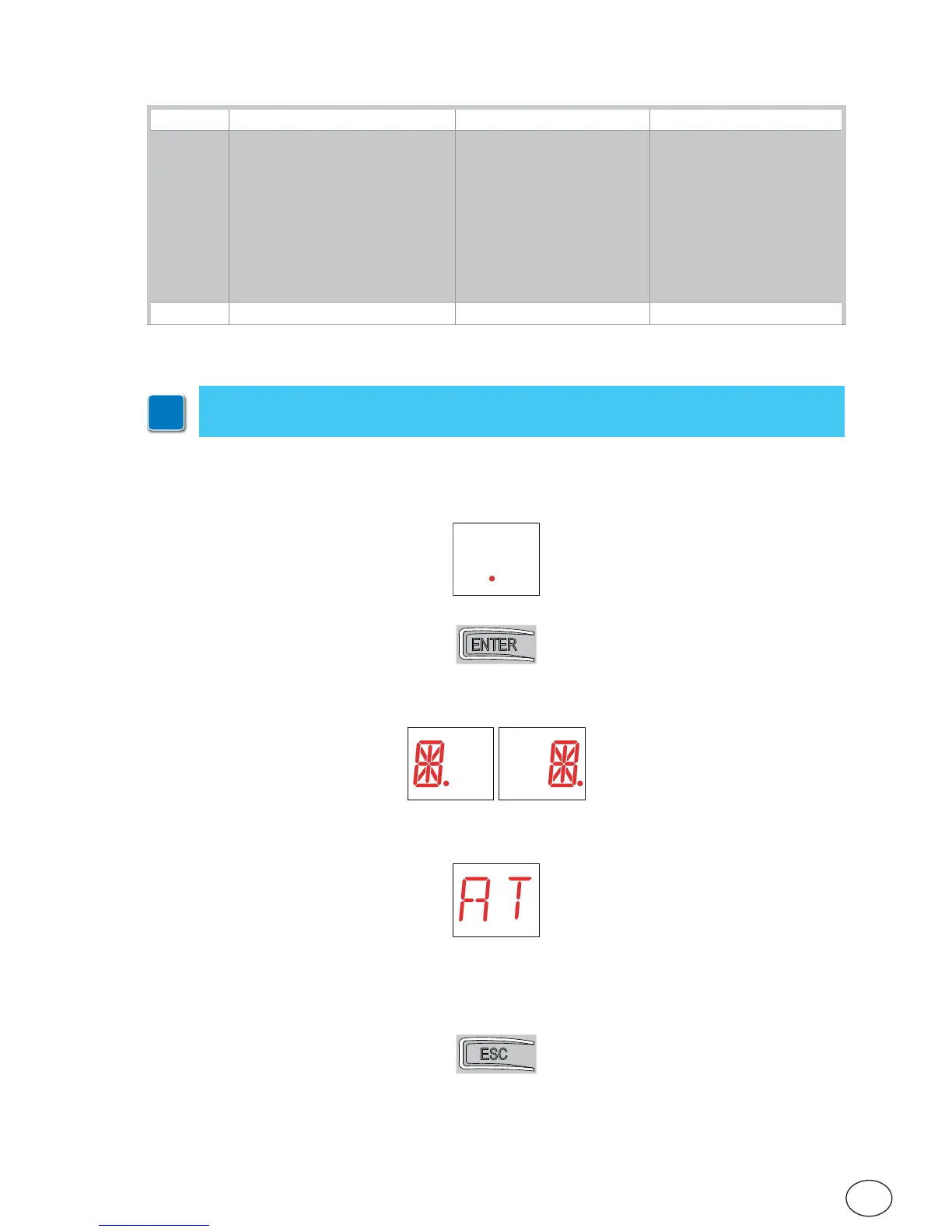
The procedure to switch on the display is as follows:
• press the ENTER key
• the display functioning check starts
• the first level menu is displayed
The procedure to switch off the display is as follows:
• press the ESC key
N.B.: the display switches off automatically after 60 s of inactivity.
7. Settings
7.1 Switching the display on and off
i
N.B.: pressure on the keys can be quick (less than 2 s) or prolonged (longer than 2 s).
Unless specified otherwise, quick pressure is intended.
6. Selections
Jumper Description OFF ON
JR1 Display mode selection. Display mode.
Only the values and pa-
rameters present can be
displayed.
Maintenance mode.
Only the values and pa-
rameters present can be
displayed and modified.
Going into maintenance
mode is indicated by the
permanent switching on of
the right-hand point on the
display.
JR3 Built-in radio receiver. Disabled. Enabled.


 To Next Page