1838-065-A-9-15
46
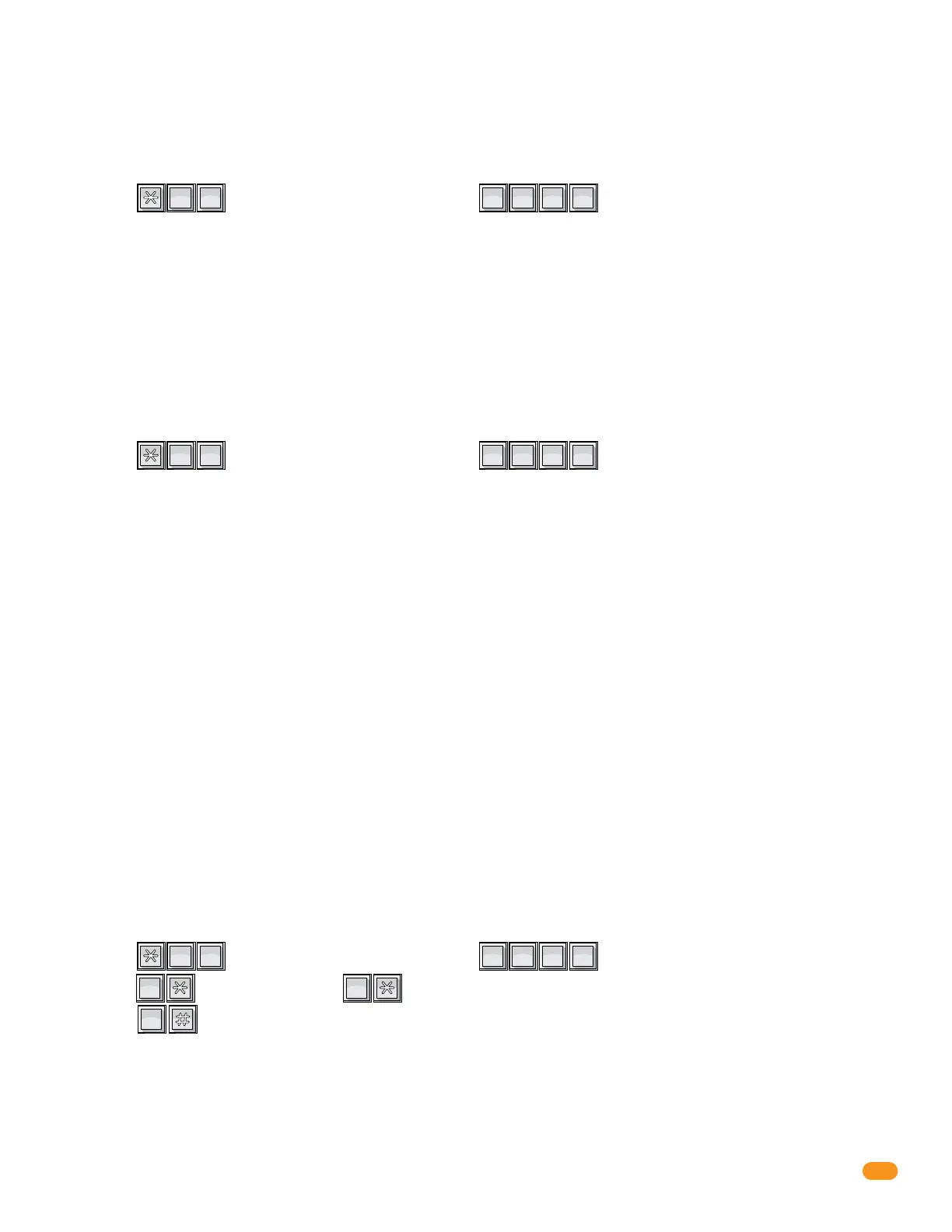
1. Press and enter your four-digit MASTER CODE (beep).
The OPTIONAL LCD display will show the 10-digit phone number or system ID number.
?
?
?
?
6
MNO
5
JKL
6.1.7 Display IM Server Client Phone Number or ID Number - Optional LCD
Display Must be Installed
This will allow you to see the client issued 10-digit phone number or system ID number that has been programmed into the
1838. OPTIONAL LCD display (P/N 1838-220) needed.
1. Press and enter your four-digit MASTER CODE (beep).
The OPTIONAL LCD display will show one of the following and the 1838 will BEEP accordingly:
?
?
?
?
9
WXYZ
2
ABC
6.1.8 Test Connection to IM Server Client - Optional LCD Display MUST be Installed
This will allow you to test the connection to the IM Server Client or display problems that may have occurred. OPTIONAL LCD
display (P/N 1838-220) needed.
System is Registered - (beep) one beep
- System is registered and communication to the server is good.
Check Registration - (beep-beep) two beeps
- Make sure your registration is current and this system is set to IM Server Client on the
registration screen. Also, be sure that the system phone number or ID number and the
master code are set the same on the server and the 1838.
Program 10 Digit ID - (beep-beep-beep) three beeps
- There is not a valid 10-digit ID in the system memory. (see section 3.2.10)
Turn Client Mode On - (beep-beep-beep-beep) four beeps
- There is a valid 10-digit ID, but Client Mode is turned OFF. (see section 6.1.9)
No Server Contact - (beep-beep-beep-beep-beep) five beeps
- Communication to the server could not be made.
Note: The display will show C's (C C C C C C C C C C) if a phone number or ID has NOT been programmed.
Use the following sequence to turn the Client Mode OFF or ON. If you are going to use the RS232 connection for any other
RS232 functions other than Client Mode (e.g., connecting a PC directly to the entry system via the RS232 terminal), the Client
Mode must be turned OFF. The Client Mode must be ON to use the system in Client Mode. If there is not a valid 10 digit system
phone number or ID in memory, the 1838 will emit three (3) short beeps. Beep ... Beep ... Beep
6.1.9 Turn IM Server Client Mode OFF or ON
1. Press and enter your four-digit MASTER CODE (beep).
2. Press (beep) to turn OFF, OR (beep) to turn ON.
3. Press together to end this programming sequence (beeeeeep).
?
?
?
?
5
JKL
5
JKL
0
OPER
1
SP
0
OPER
Note: You can test the 1838 connection to the IM server and analyze problems that may occur using
section 6.1.8.



 To Next Page