OBU Manual
Version 3.0 August 27, 2020 37
6 Driving with the OBU
6.1 Start the OBU
15: Start the OBU
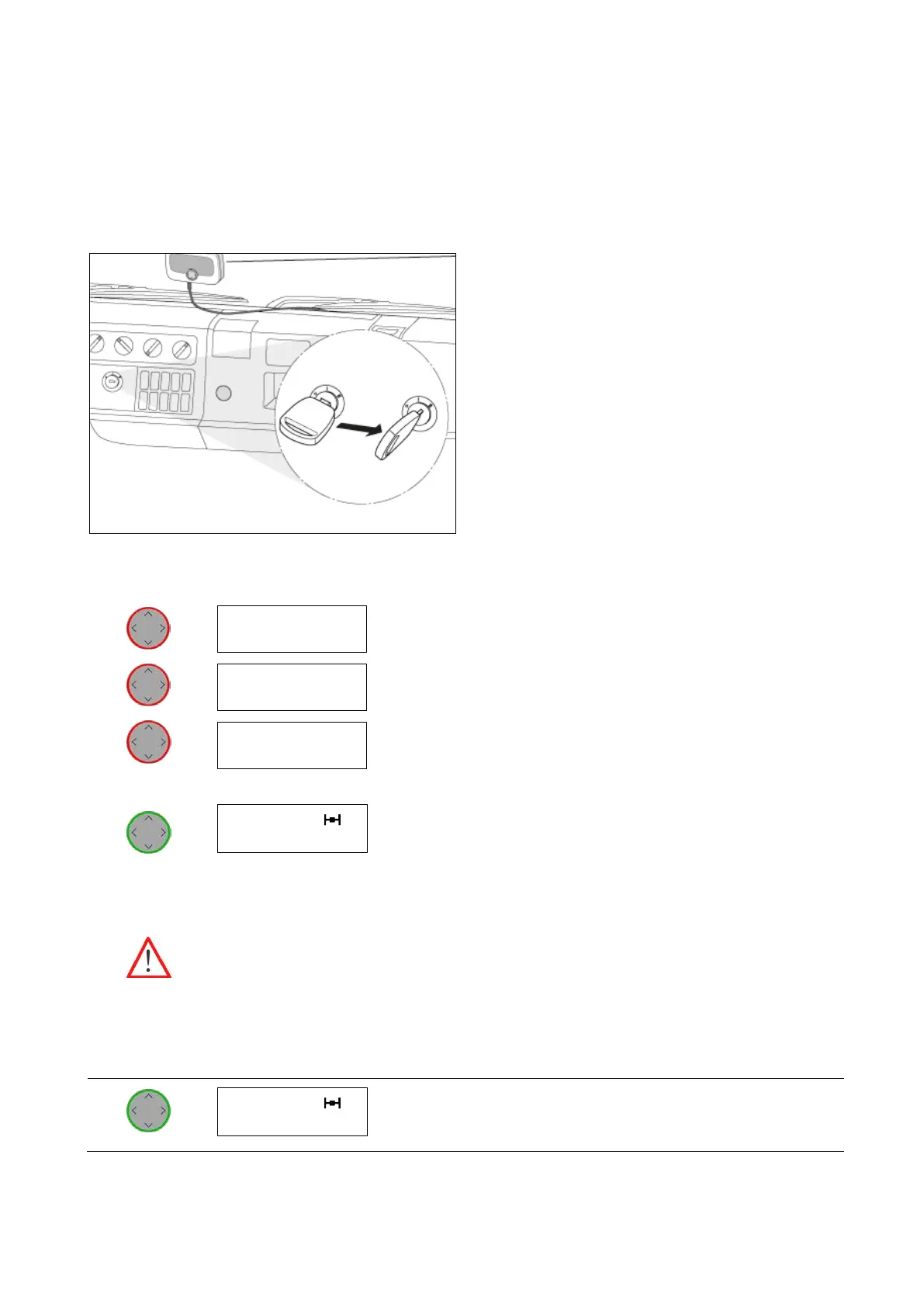
• Turn on the ignition of your vehicle. The OBU
starts to boot automatically.
The boot information will be shown in the display.
The status indicator shows the status of the OBU.
The initial configuration and activation of the OBU
is done automatically.
The vehicle data for this OBU is provided
according to the registration data provided by
your Service Partner.
Please note, the OBU indicates the corresponding
EETS Service depending on your place of location.
The EETS Service is detected and the display shows the start screen with the
corresponding EETS Service.
Before you start to drive:
Please, check the shown vehicle data: License plate number, number of axles.
Please, check the relevant settings for the corresponding EETS Service.
Change the settings if necessary, see chapter 5.2 OBU Parameter Settings:
• Number of axles
• Current gross train weight.
The OBU is ready for operation.
You can start driving.
Waiting for
personalization
DEbag
≥7.5
DEbag t ≥7.5 3
ABCDEF12 EU5


 To Next Page