EasyManua.ls Logo

DLab MX-T6-S - Display

Default Icon
14 pages
Print Icon
To Next Page IconTo Next Page
To Previous Page IconTo Previous Page
Loading...
5
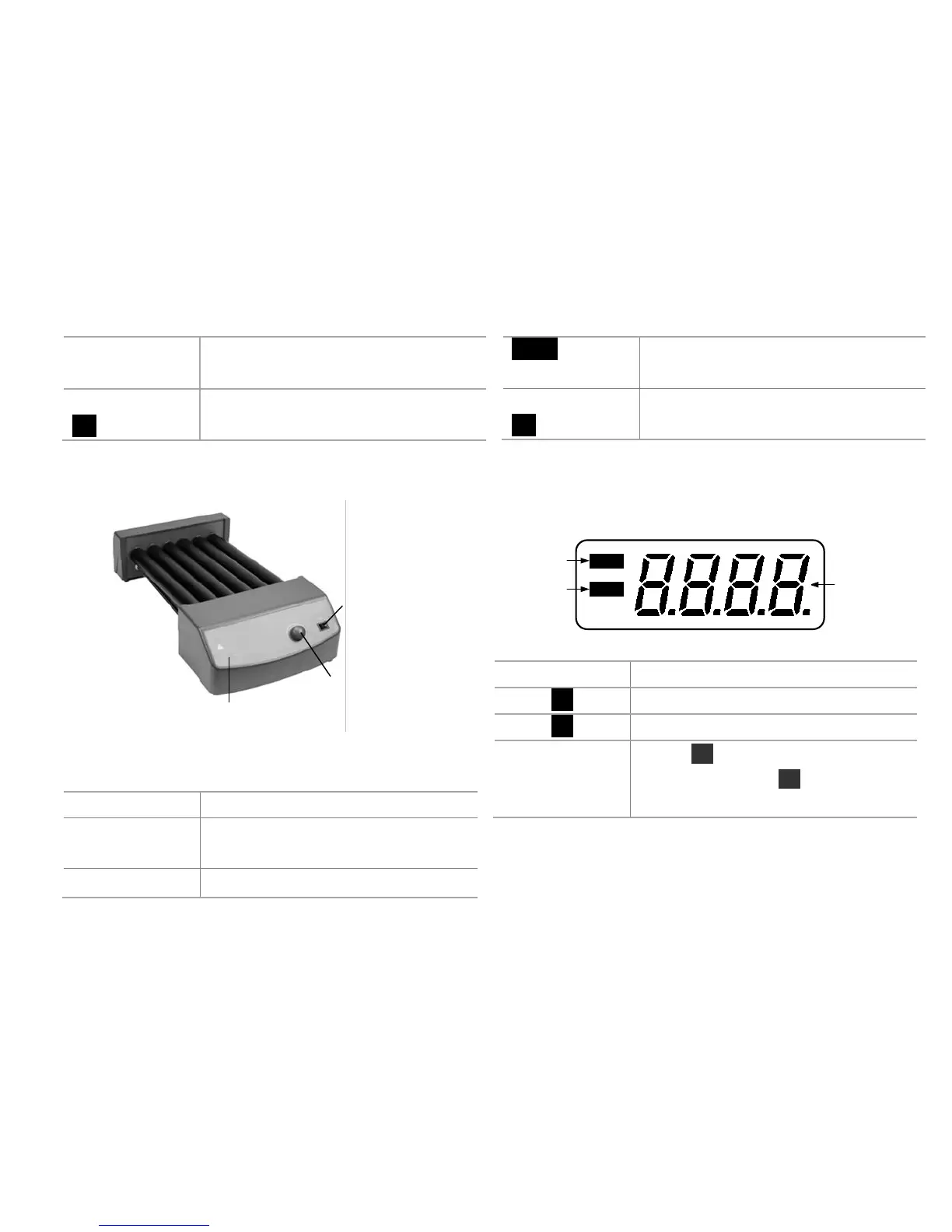
LCD display
LCD displays the real working state
and all setting values.
Power switch
I/O
Switch ON or OFF the instrument.
Table 2
Power switch
Speed control knob
Power light
Figure 3
Items
Default settings
Speed control
knob
Rotating speed control knob to
start/stop rotating function.
Power light
Green LED display light.
Power
LED light shows green when switch
on.
Power switch
I/O
Switch ON or OFF the instrument.
Table 3
4.2 Display
Set
Err
Display
Faults
Set
Figure 3
Display
Descriptions
Set
Display when set target value.
Err
Display in case of error happening.
Display area
When Set display, this area shows
setting value; When Set disappears, this
area shows running value.
Table 4

Related product manuals