Digital Monitoring Products, Inc | 9000 Series Installation and Programming Guide 8
INSTALL THE KEYPAD
Remove the Cover
The keypad housing is made up of two parts: the cover,
which contains the circuit board and components, and
the base.
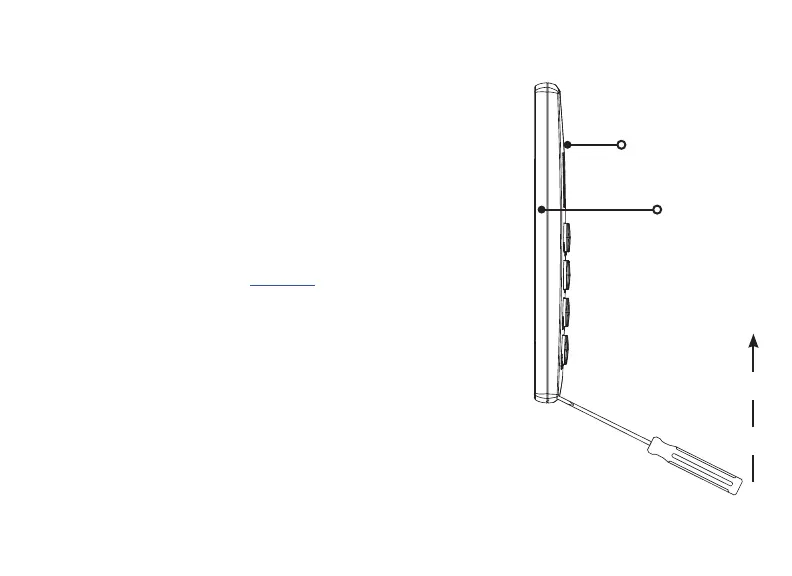
To separate the keypad cover from the base, insert a
flathead screwdriver into one of the slots on the bottom
of the keypad and gently lift the screwdriver upward.
Repeat with the other slot. Gently separate the cover
from the base and set the cover containing the keypad
components aside. See Figure 2.
1
Figure 2: Separate the
Keypad Housing
Cover
Base










 To Next Page