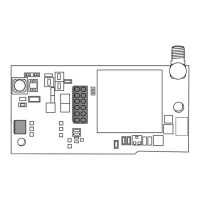
CellCom‑LTE
Programming and Installation Guide Digital Monitoring Products
5
Wire the Communicator
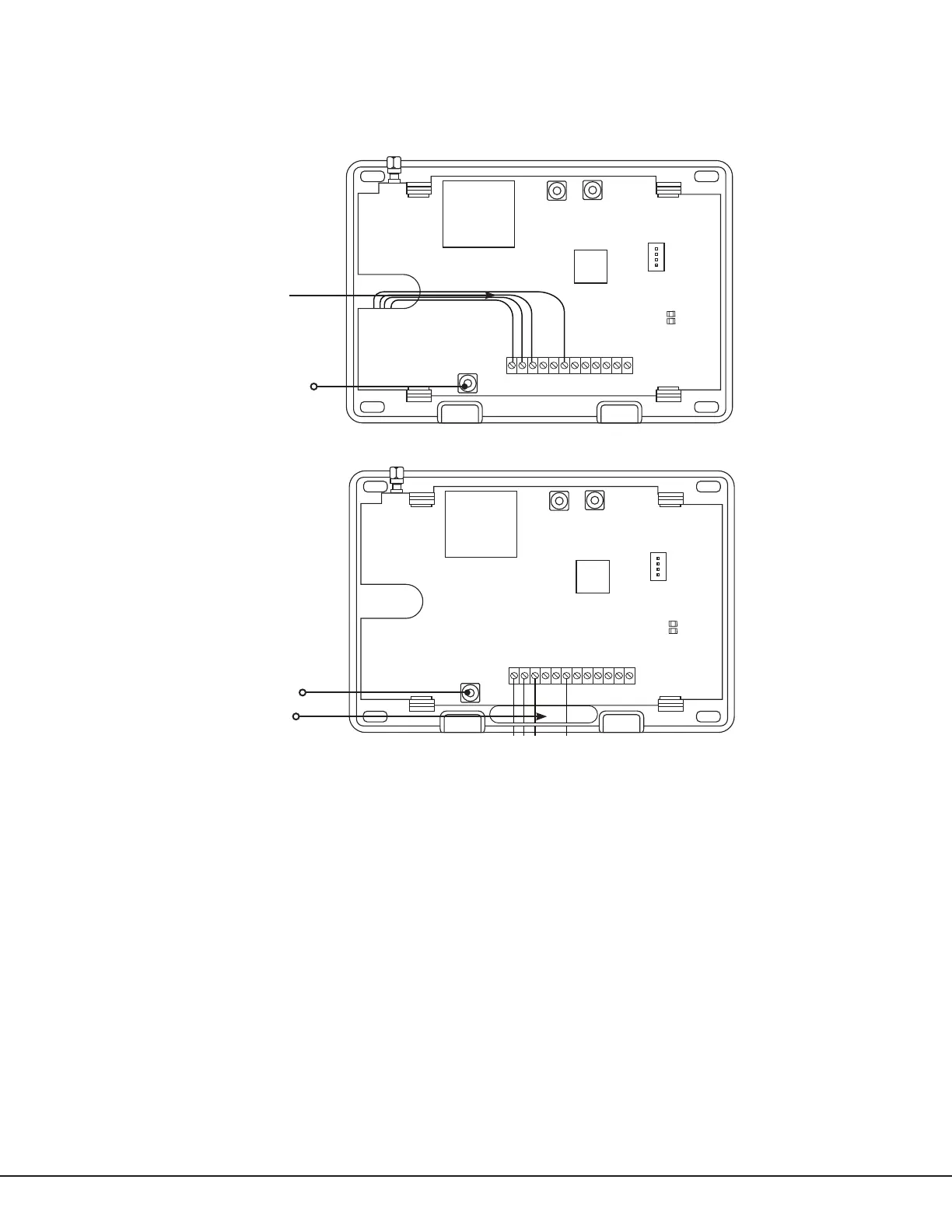
When connecting component wires, route all wires so they will not interfere with the tamper switch. See Figure 2 and
Figure 3 for wire routing options.
Connect the Antenna
Place the antenna onto the SMA connector. Refer back to Figure 1. Twist the antenna until it is securely tightened.
Replace the housing cover on the mounted base. Be sure to not damage any PCB components when removing or
replacing the housing cover.
Figure 2: Wire Routing Option One
PROG
B
R
RESETLOAD
+DC- Z1 Z2 Z3
G
T
R
+Z4-
O1 O2
Tamper
PROG
B
R
RESETLOAD
+DC- Z1 Z2 Z3
G
T
R
+Z4-
O1 O2
Wiring
Tamper
Figure 3: Wire Routing Option Two


 To Next Page