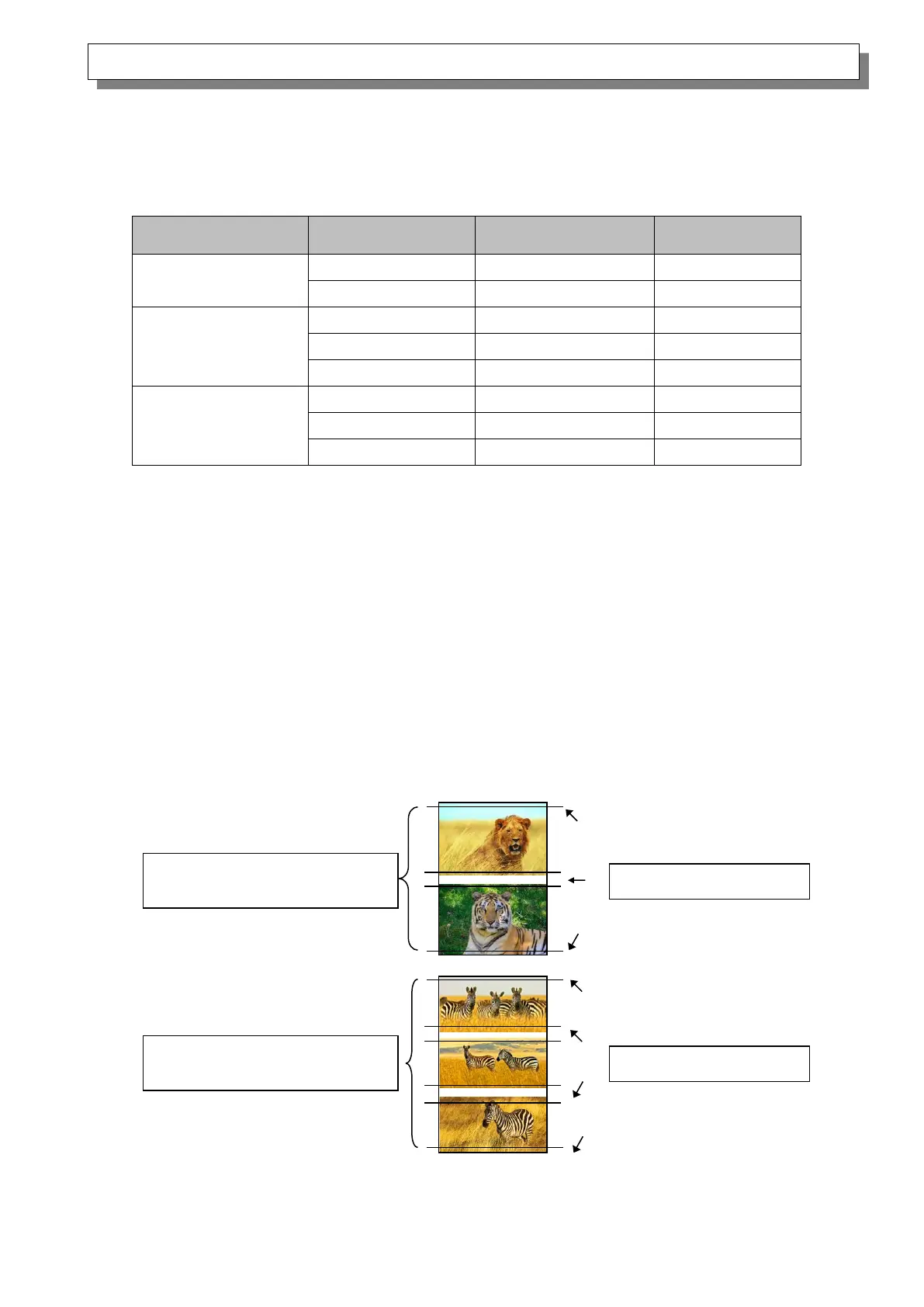
<Multiple layout>
You can enable multiple layout settings by setting the paper size of the printer driver. If it sends
multiple images from the application, the printer driver allocate them automatically as the multiple
layout.
The following section shows the image sizes.
Multiple layout is carried out under the following conditions.
1. Set the paper size of the printer driver to one of the abovementioned paper sizes.
2. Send multiple images from the application. (*2)
Note)
*1: Margins can be created on the sides of the output results.
*2: Depending on usage, rewind printing may be used instead of multiple layout printing.
Because they are carried out by the print job, multiple layout are carried out when there are
multiple images in a single job.
If you want to layout the same image, send the same number of images as the number-of-
sheets setting.
The printer prints two or three screens worth of images at one time and cuts the paper to the
set size when the paper is ejected.
<Multiple layout patterns>
The following combinations are possible for the multiple layout patterns.



 To Next Page