2 DNP Photo Imaging America Corp.
DS-40 and DS-80 Printers Installing Media
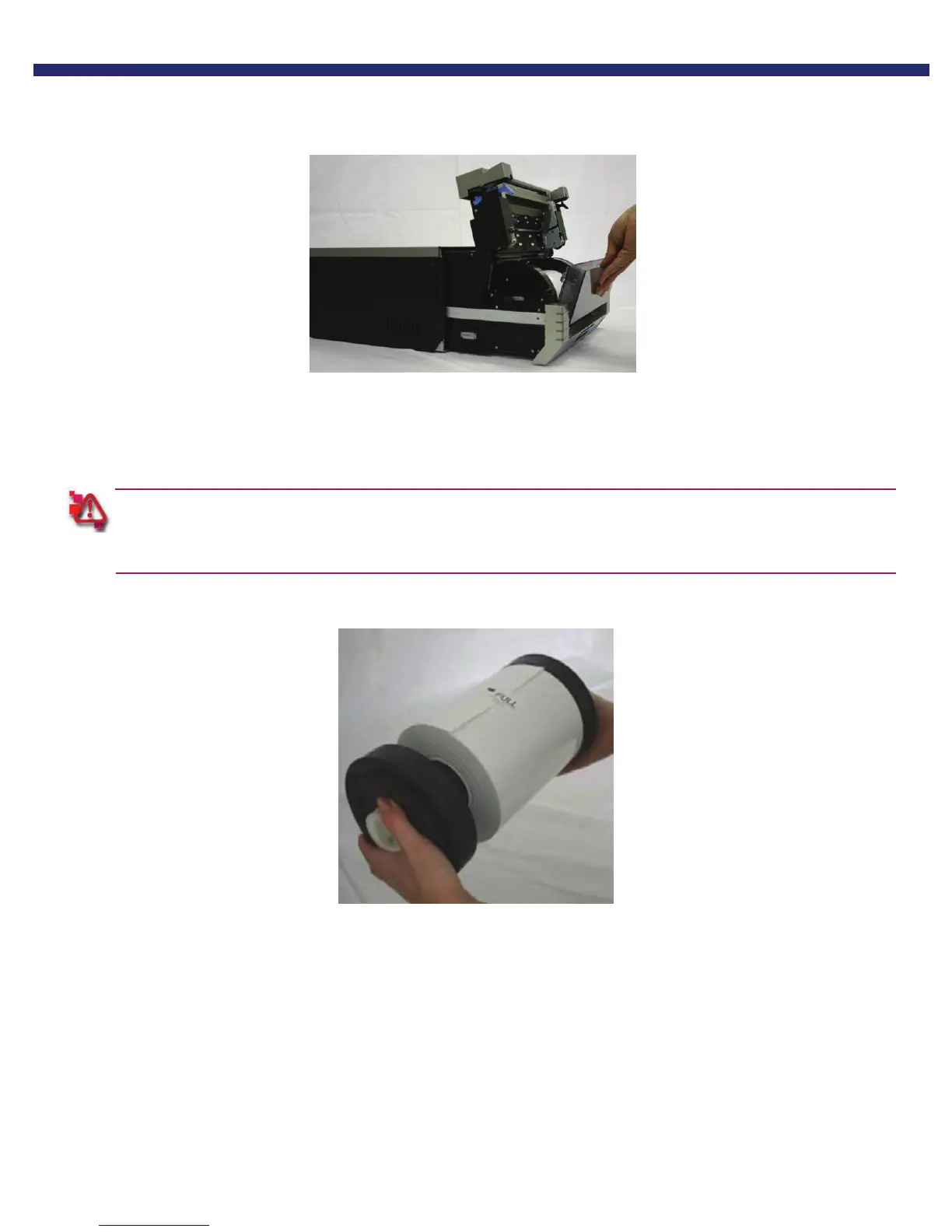
3. Remove the scrap box, empty scraps into the trash.
Set aside.
Figure 4. Removing the Scrap Box
4. Remove the spool ends from the printer.
5. Set the spools into the paper, ensuring there is no gap between the paper and the spool.
Failure to set the paper correctly can result in print jams. Do not get dirt or fingerprints on the paper, as they will
adversely affect print quality.
Figure 5.
6. Set the paper holder into the paper cassette in the printer. Make sure you set the paper in firmly.



 To Next Page