4 DNP Photo Imaging America Corp.
Cleaning the Platen Roller Maintaining the Printers
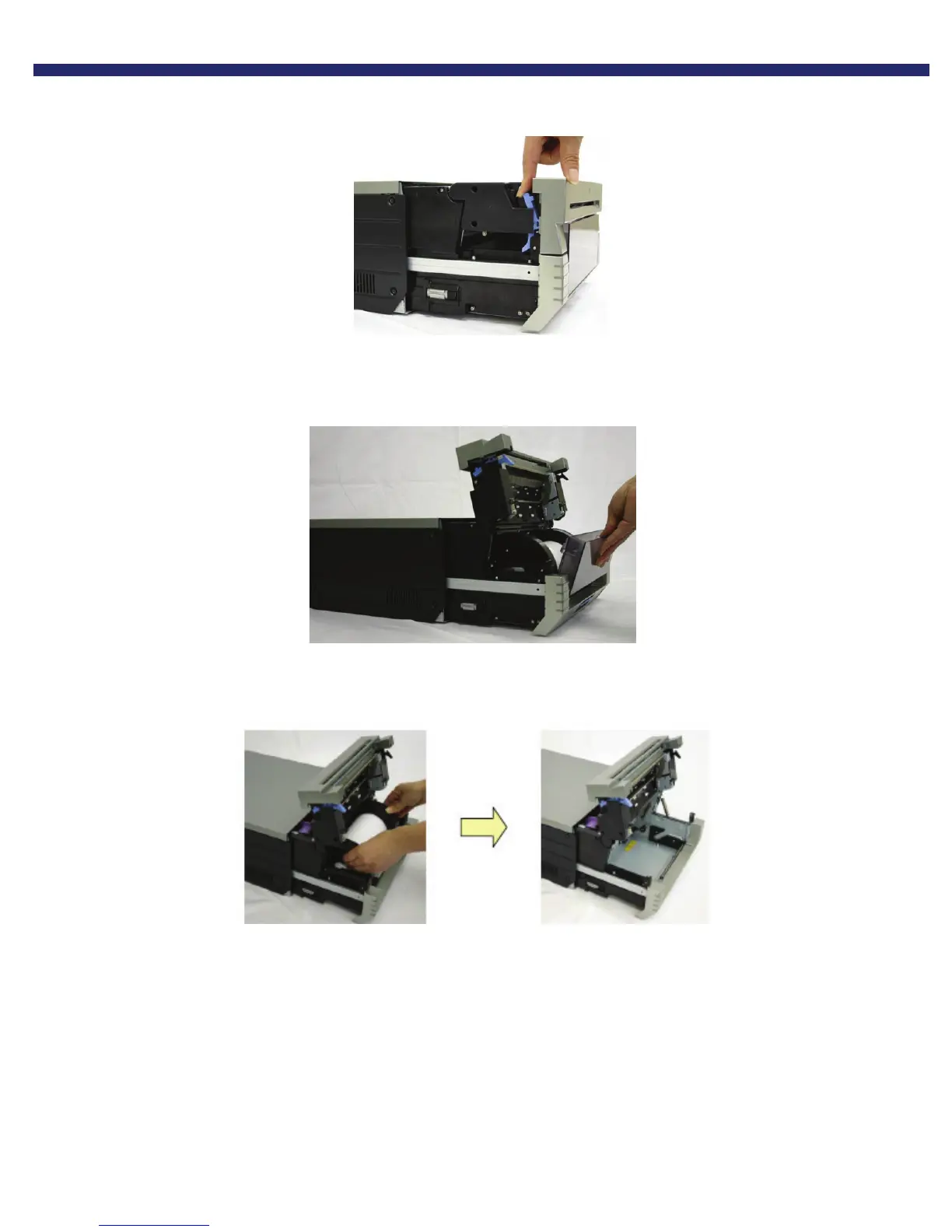
2. Free the paper release lever.
Figure 14. Paper Release Lever
3. Remove the scrap box, empty scraps into a proper receptacle...
Figure 15. Removing the Scrap Bin
4. Remove the paper cassette.
Figure 16. Removing the Paper Cassette



 To Next Page