DNP Photo Imaging America Corp. 5
Cleaning the Platen Roller Maintaining the Printers
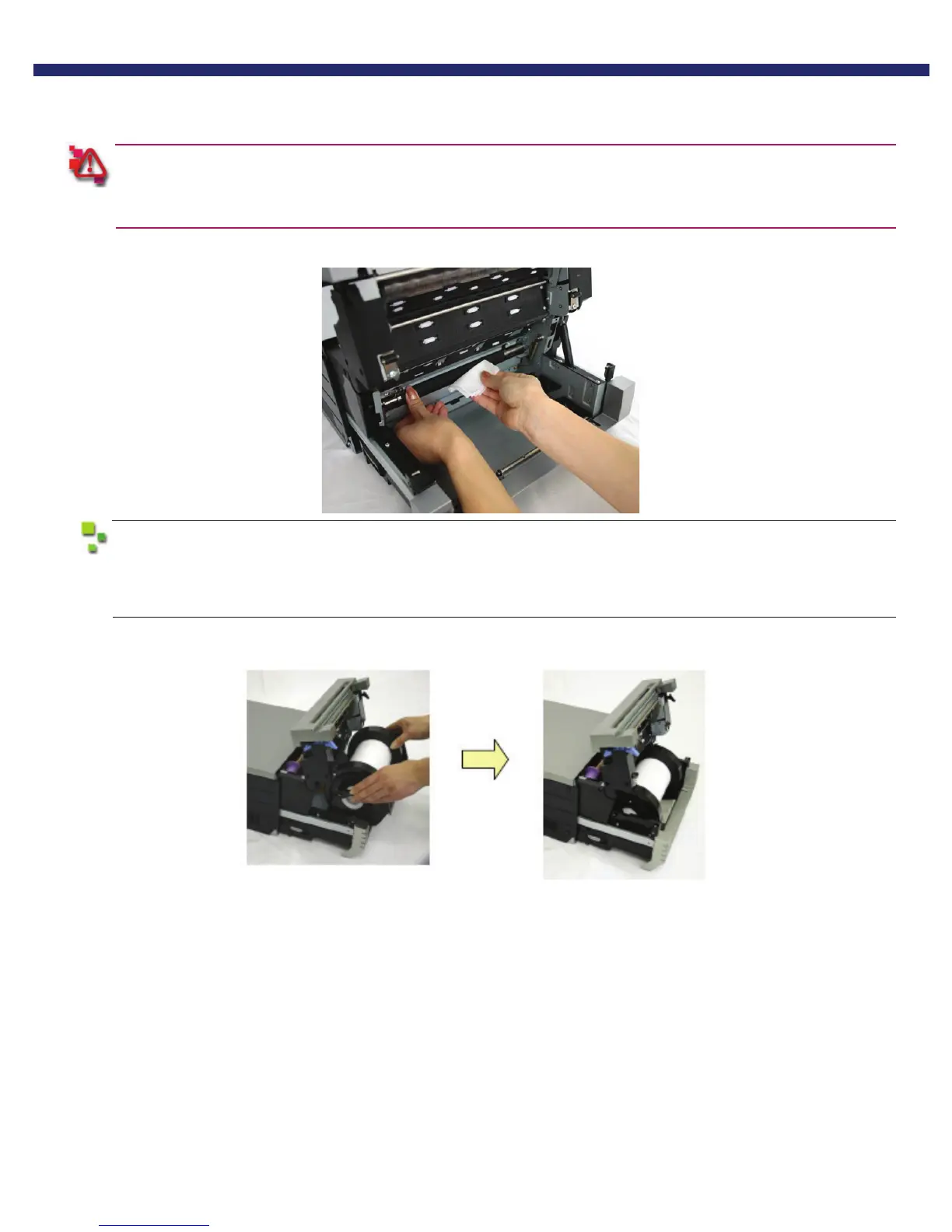
5. Using the alcohol pads provided, wipe any dirt off the platen roller while rotating the roller slightly.
Only use the alcohol pads provided in the cleaning kit.
Take care to avoid injury and damage due to the sharp edges.
If there is debris that will not come off using the alcohol pad, run the sandpaper provided in the
cleaning kit over the area lightly until the debris is removed. Clean the area again with an alcohol
pad.
6. Replace the paper cassette. Make sure the casette is firmly seated.
Figure 17. replacing the paper cassette.



 To Next Page