6 DNP Photo Imaging America Corp.
Cleaning the Platen Roller Maintaining the Printers
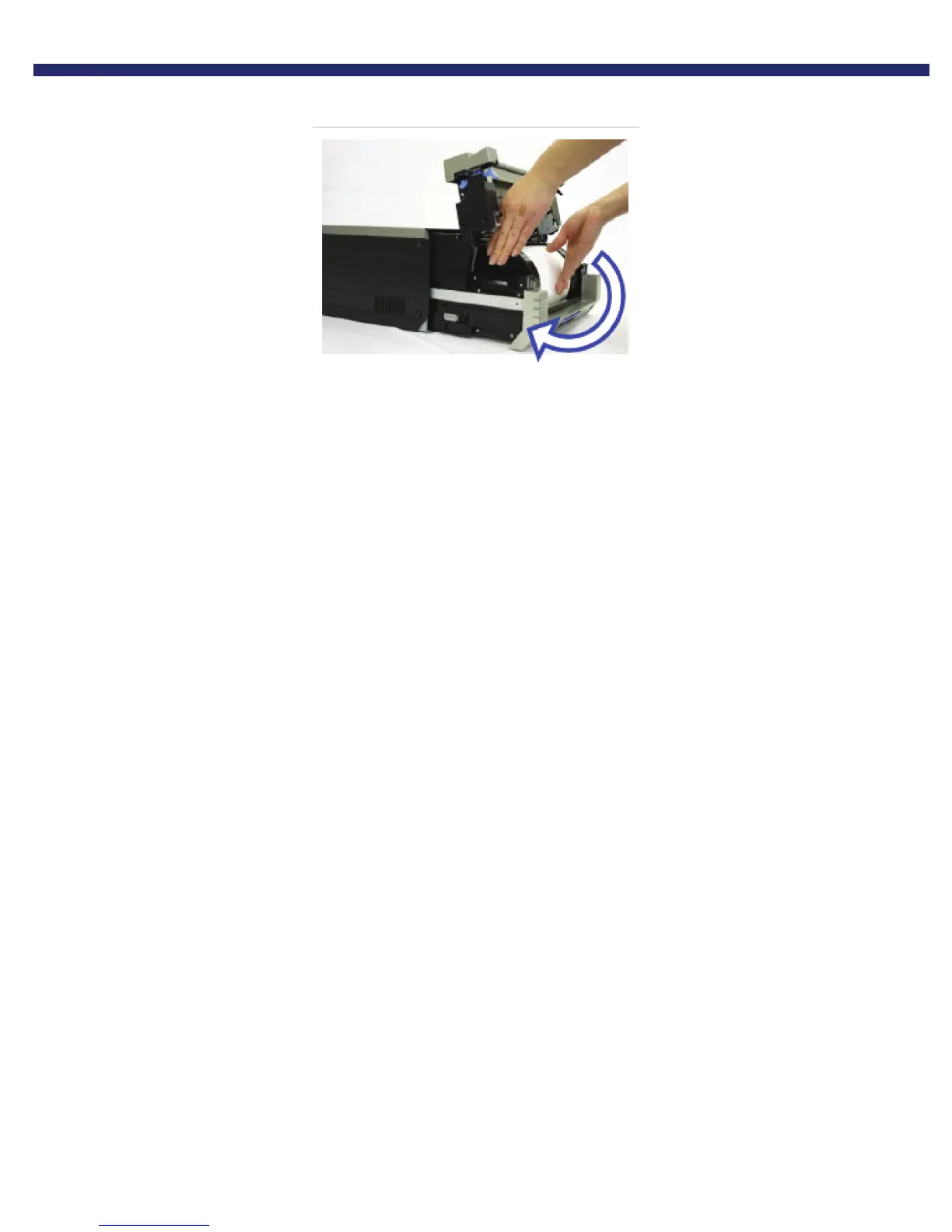
7. Advance the paper in the direction indicated until the buzzer beeps, and orange Paper LED stops blinking.
Figure 18. Advancing the paper
8. Replace the scrap bin and close the top of the mechanism.
9. Gently slide the mechanism back in place. The printer will re-initialize.
You have now cleaned the platen roller.



 To Next Page