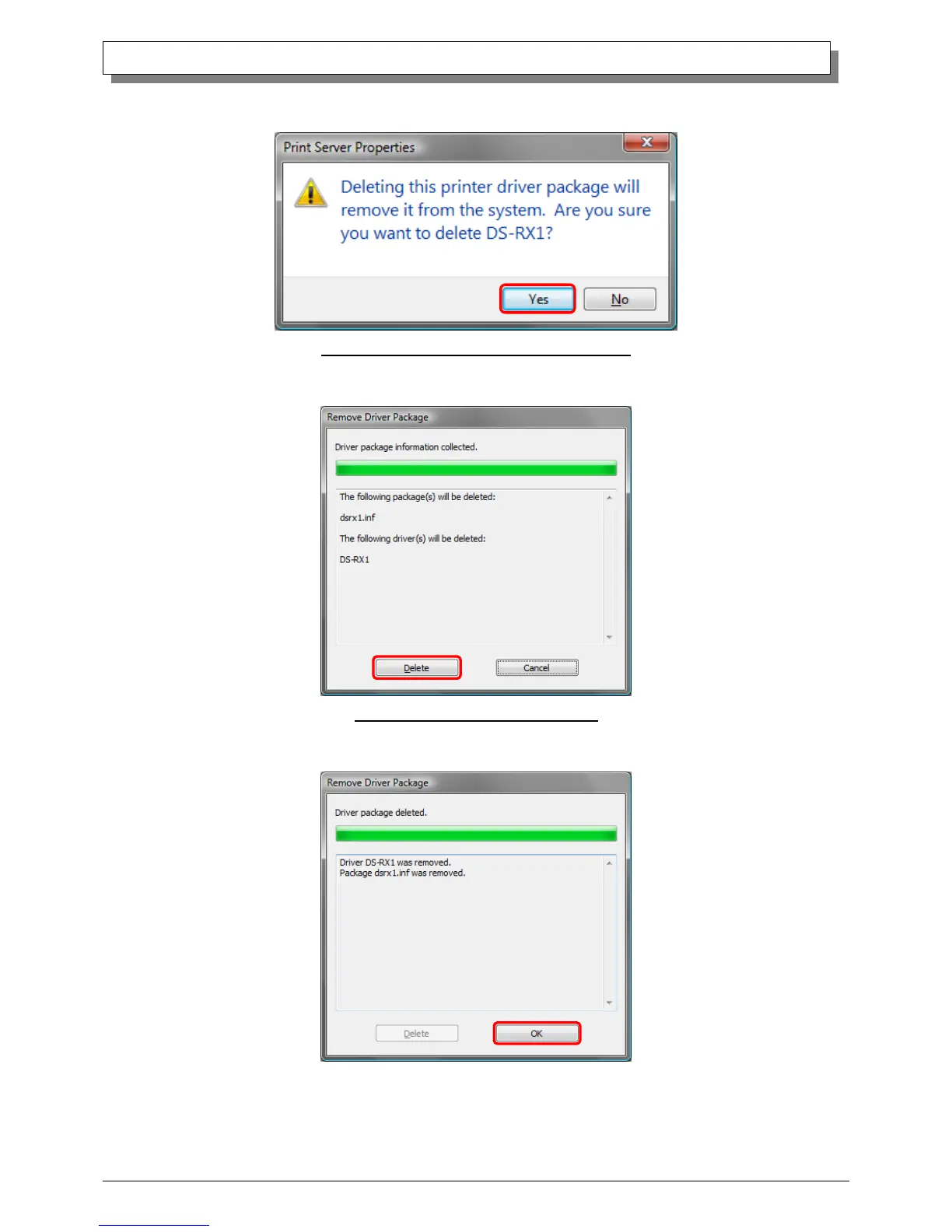
(8) When the Print Server Properties confirmation window appears, click on the “Yes” button.
Fig 3.6 Print Server Properties confirmation window
(9) When the Remove Driver Package window appears, click on the “Delete” button.
Fig 3.7 Remove Driver Package window
(10) When the Driver Package Deleted window appears, click on the “OK” button.



 To Next Page