- 33 -
English
Open the battery door by sliding it outward. Insert the lithium battery to the battery compartment
according to the polarities shown in the compartment.
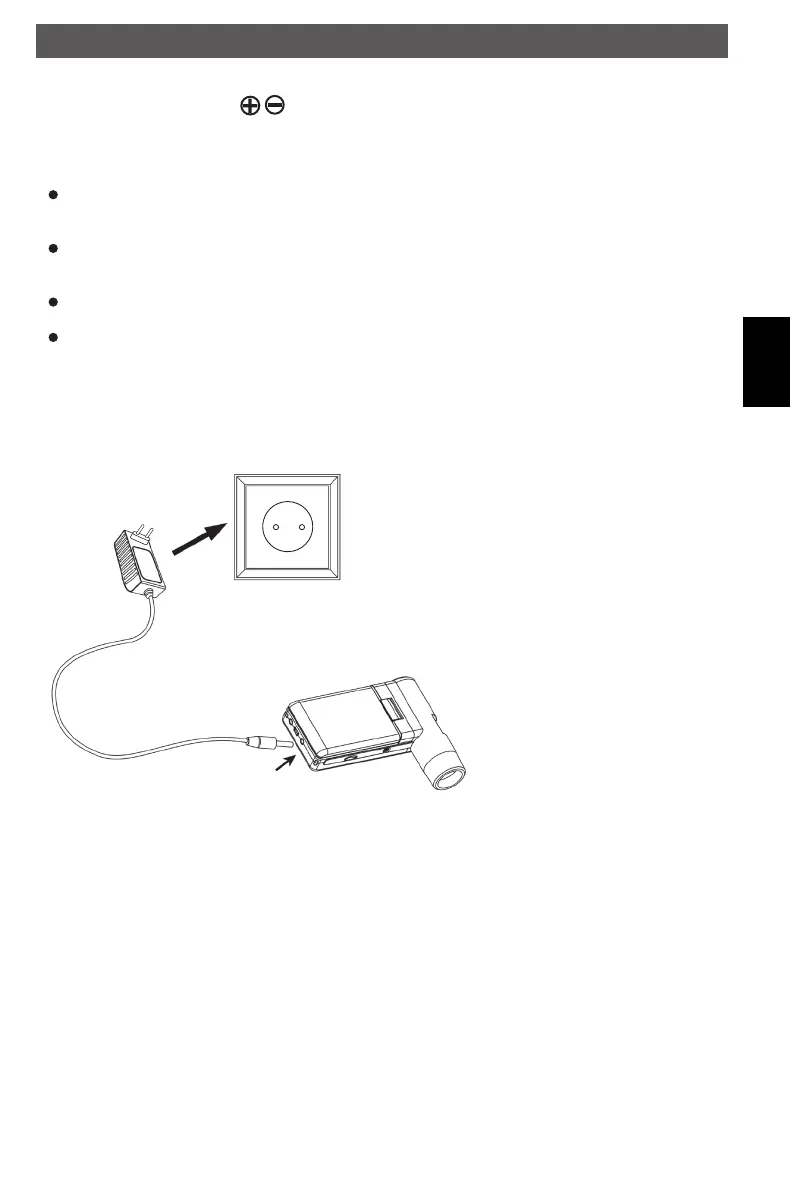
Charging the battery
Before using the microscope, you must charge its battery.
Plug the small end of the power adaptor into the DC-in port located on the bottom side of the
unit. Then plug the other end of the power adaptor into a standard AC outlet.
The battery indicator LED at the end corner of the unit will be in red to show that the battery
is charging.
When the battery is finished charging, the battery indicator LED will be in off. Unplug the unit.
You can now use your microscope for up to four hours of continuous use. When the battery is
low, there will be low-power indicator on the right down corner of the panel, front LED light will
become weak and image quality becomes poor. Then you have to connect the power adaptor
and plug it in to recharge the battery.
Getting started
DM mobile4lg.indd 33 26.02.2013 10:04:15



 To Next Page