English
- 42 -
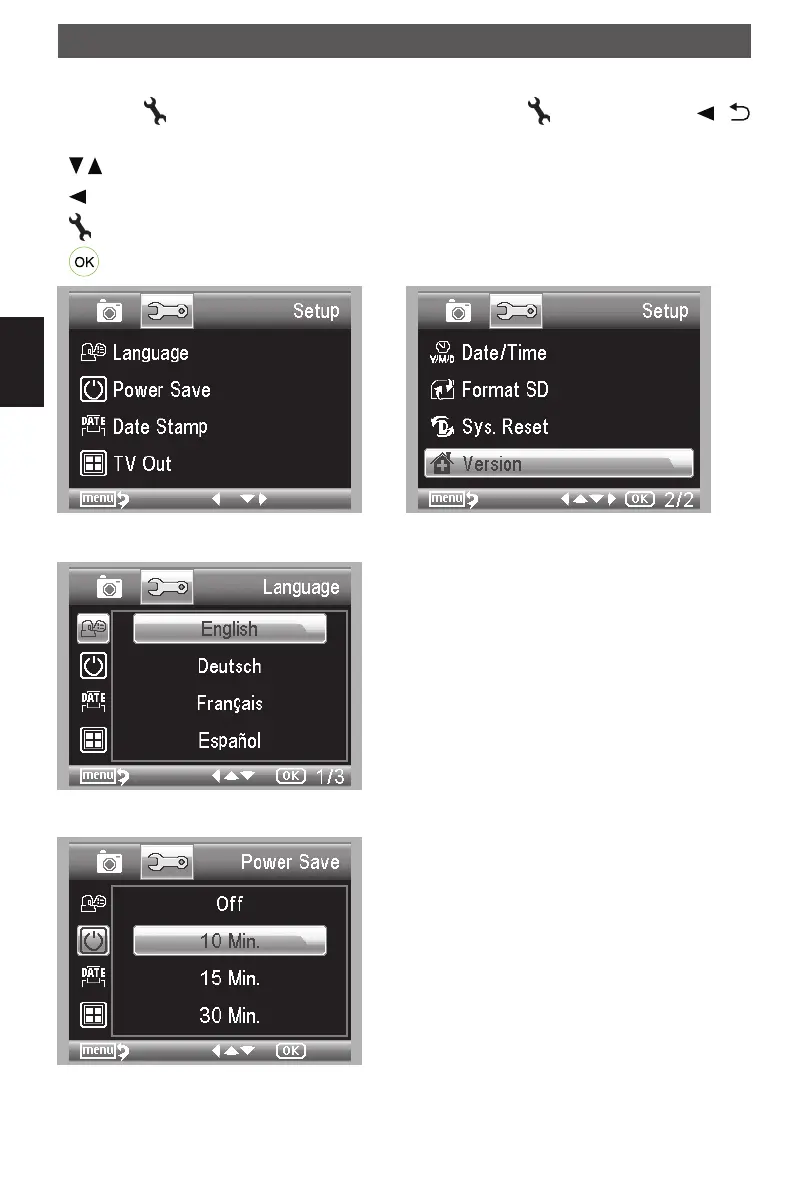
Main menu - basic settings
Press the
button to enter the main menu. drücken Sie die button. Press the /
button to enter the basic settings.
/ buttons : Select a menu item.
-button : In menu item back
-button : Exit the menu.
-button : Confirm the selection.
Language
Choose Language
Power save
Choose Power Save and then select among the fol-
lowing a target time for the microscope to power off
without key operation.
Using the microscope
DM mobile4lg.indd 42 26.02.2013 10:04:17



 To Next Page