- 41 -
English
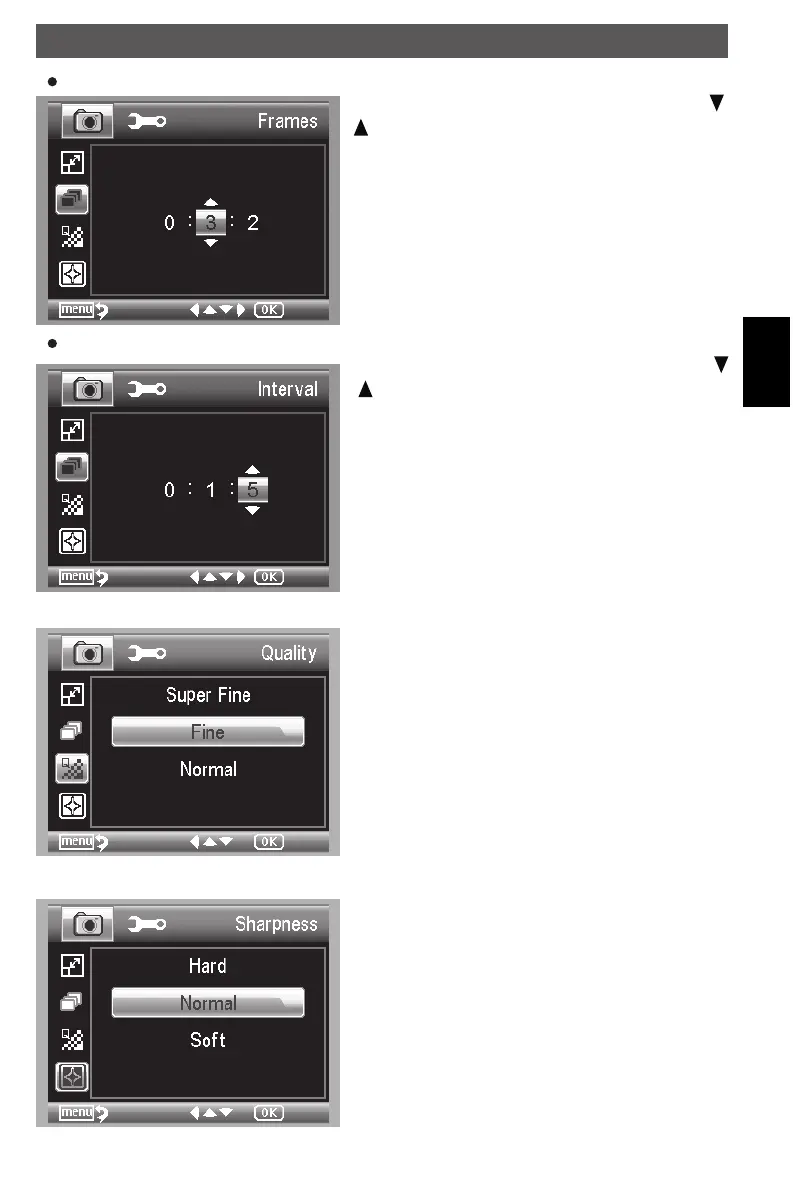
Frames
Input the quantity of frames you want to take by /
buttons
The above setup means 32 frames.
Intervall
Input the interval time between frame capture by
/ buttons.
Quality
The three selections will result in different image
compress ratio.
Sharpness
Choose Sharpness and then select among Super
Fine/Fine/Normal.
Using the microscope
DM mobile4lg.indd 41 26.02.2013 10:04:17



 To Next Page