English
- 40 -
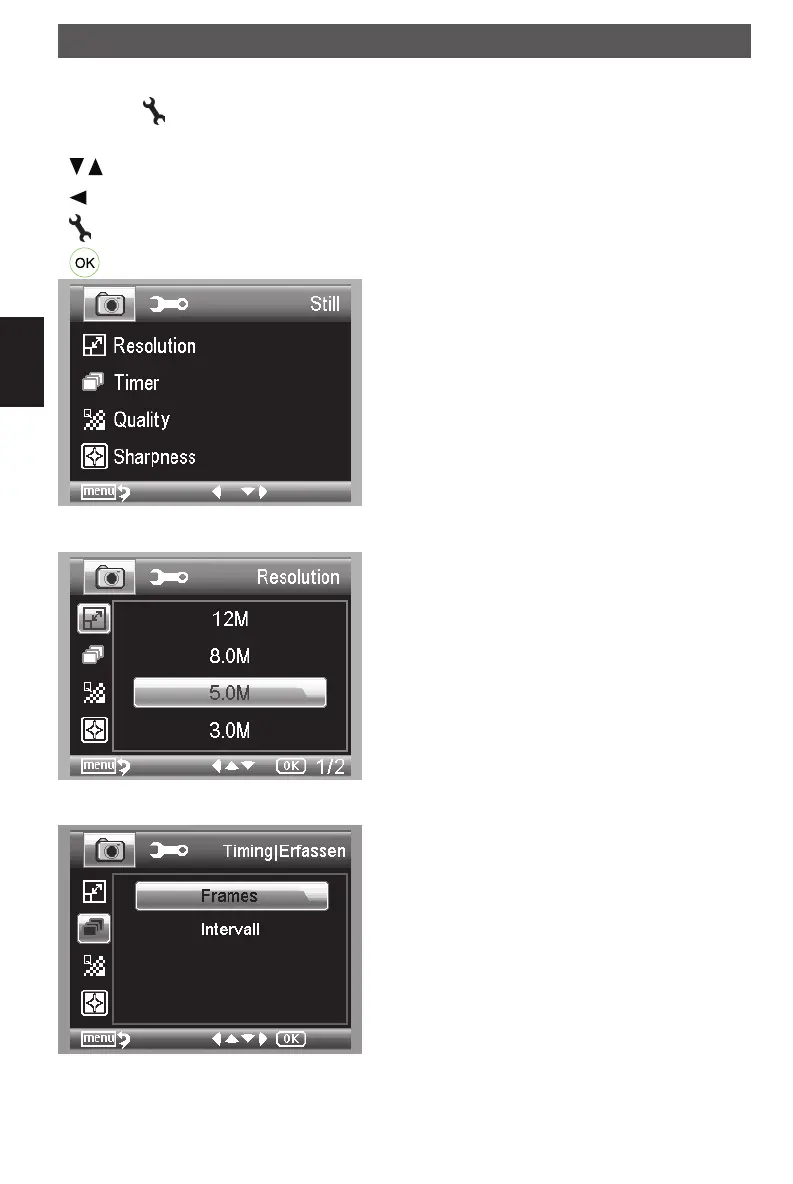
Main menu - picture settings
Press the
button to enter the main menu.
Navigation:
/ buttons : Select a menu item.
-button : In menu item back
-button : Exit the menu.
-button : Confirm the selection.
Resolution
The available resolution is VGA, 1.3, 3.0, 5.0, 9.0
and 12 megapixel.
Timer
From the main menu, choose Timer and then enter
Timer setup:
Using the microscope
DM mobile4lg.indd 40 26.02.2013 10:04:16



 To Next Page