- 39 -
English
To delete confirm the prompt with OK(Execute).
Protect for image and video files.
Protect/ Unprotect pictures and videos from delete.
Lock one: Protect the picture in the display.
Unlockm One: Remove protection of the picture in the display.
Lock All: Protect all pictures
Unlock all: Remove protection from all pictures.
If a picture is protected the display shows a key icon.
Slide show:
This menu item starts a slide show. A submenu shows the available intervals. To quit press the
OK button.
Colour mode
(only available in photo mode)
At preview status, press
button to switch among Colour, Positive and Negativ.
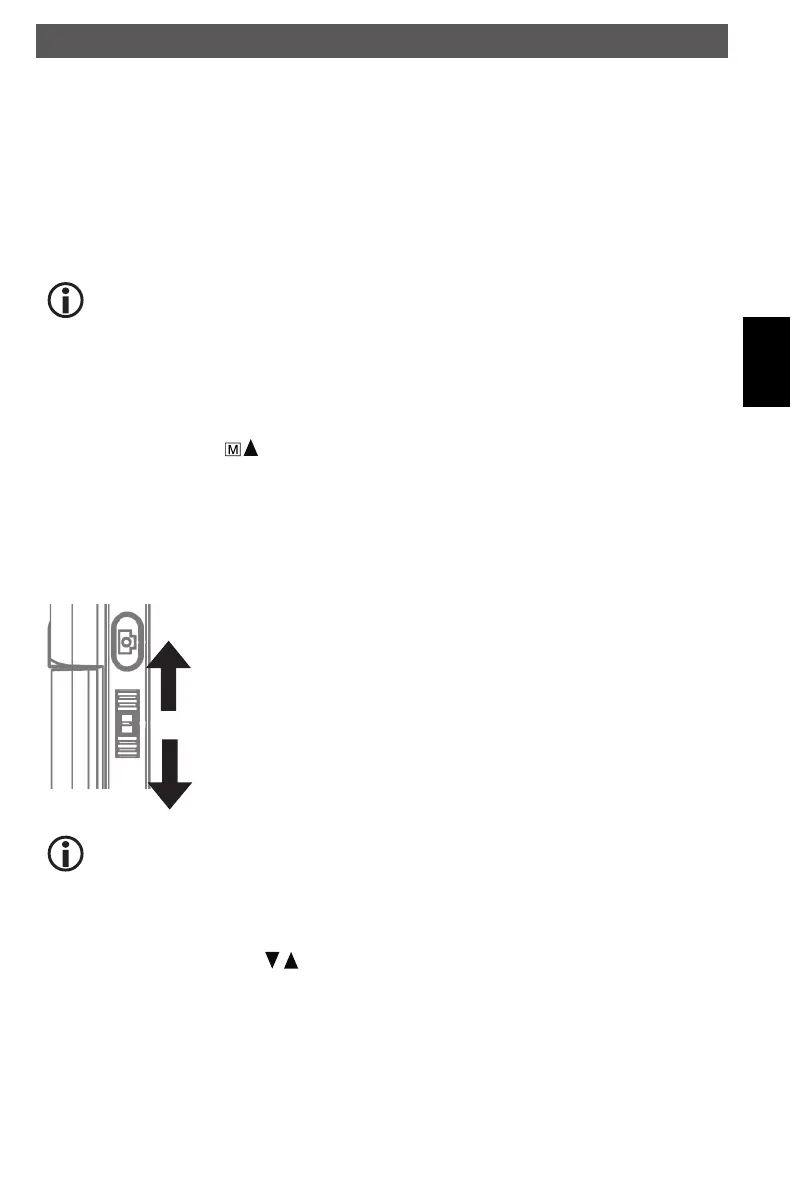
Zoom
The zoom wheel is located on the rear. The zoom range is 1.0 to 4.0 times. The zoom factor is
shown in the display on the left side.
Zoom in, push Zoom wheel upward
Zoom out, push Zoom Wheel downward
In playback mode the display shows thumbnails of the pictures when the zoom
wheel is pushed downwardly.
Video records: Push the zoom wheel downward if the playback is abnormal termi-
nated (Pause) or you want to finish the playback. In this case you will return to the
overview of the pictures. If the playback is finished you can select the previous
and next file with the / buttons.
Using the microscope
DM mobile4lg.indd 39 26.02.2013 10:04:16



 To Next Page