English
- 44 -
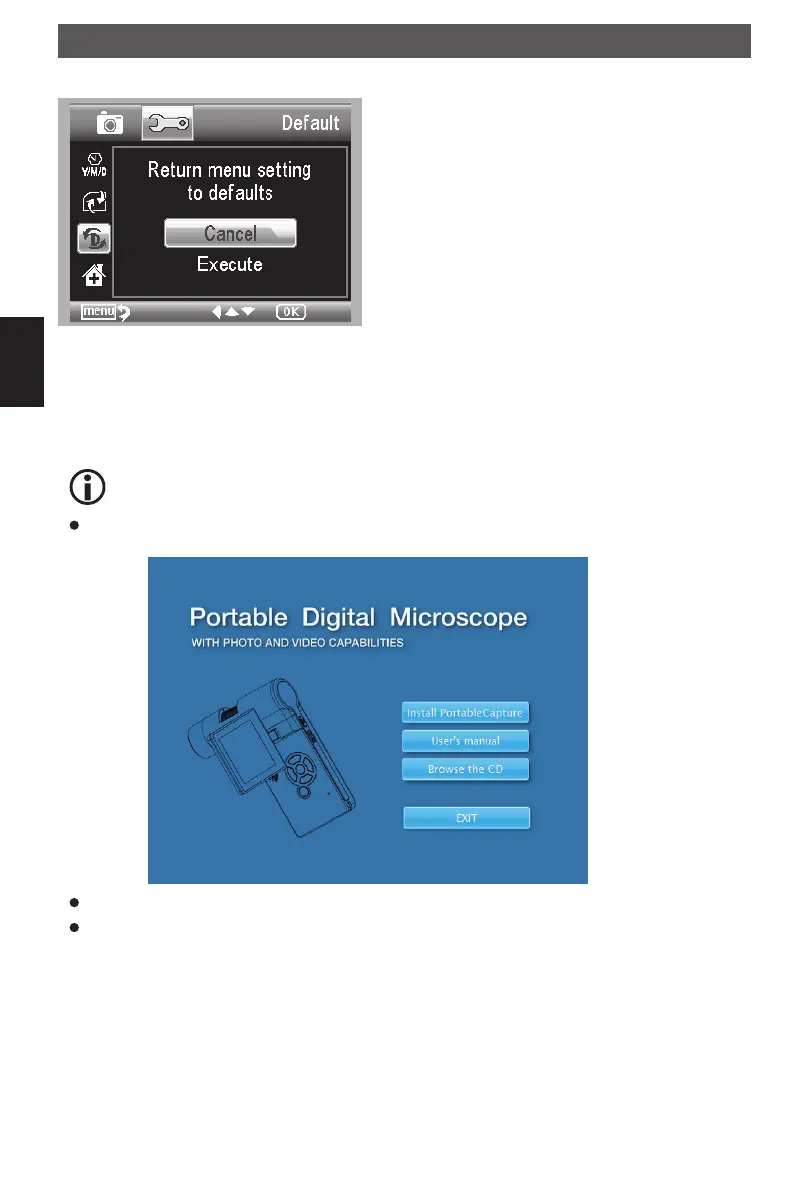
Default settings
Choose Sys. Reset to reset the system back to def-
ault..
Version
Choose Version to view the current machine version.
Software installation
Install the software first before the microscope is connected to the USB port.
Insert the driver CD into CD-ROM Drive and this will automatically display the following inter-
face:
Click Install ProtableCapture software and then reboot the system when asked.
You can browse the User’s manual in PDF format and the CD contents by choosing the cor-
responding menus.
Software installation
DM mobile4lg.indd 44 26.02.2013 10:04:17



 To Next Page