- 45 -
English
Download to Computer
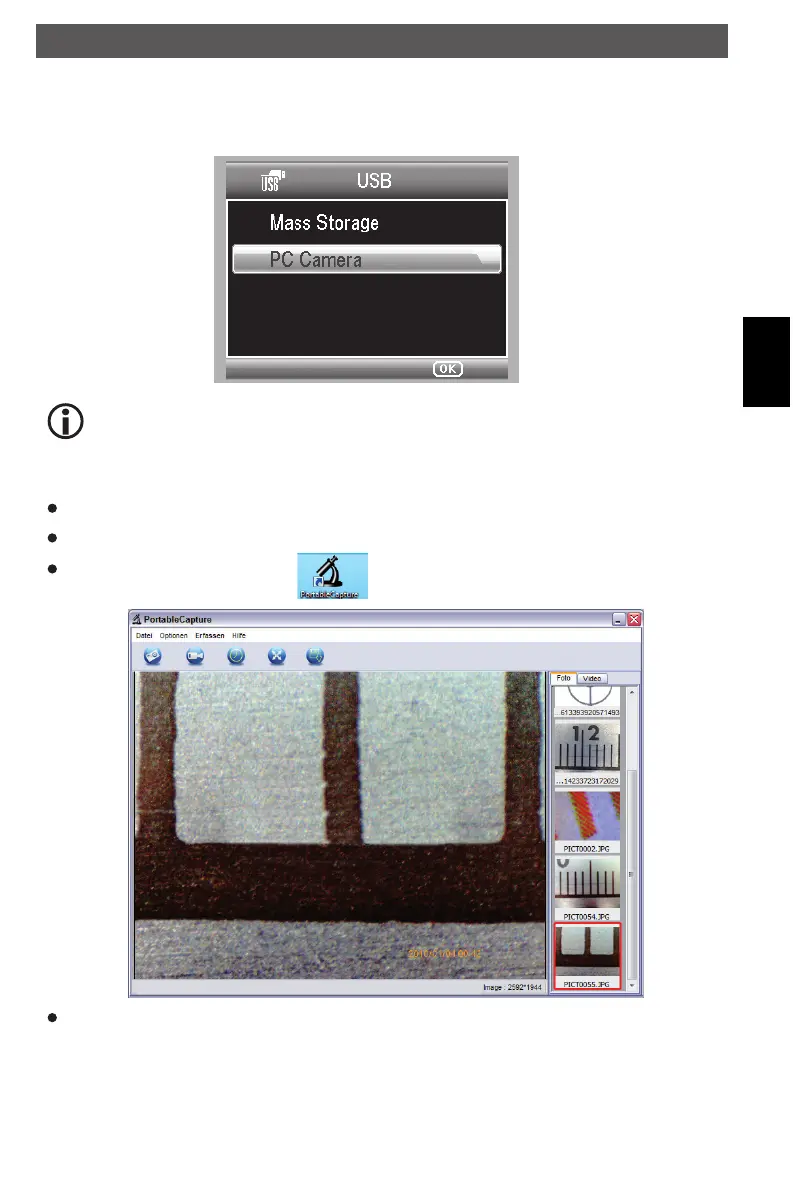
Connect the microscope to computer by USB cable. Choose Mass Storage and then you can
view stored photos & videos.
Unfold the display panel. When working on computer, the button functions are no
longer valid, but most of functions are available by PortableCapture software.
Preview on Computer
Connect the microscope to computer by USB cable.
Choose PC Camera mode.
Start PortableCapture software. .
When the Microscope is disconnected from your PC USB port, the screen will display “No
Device detected, please connect your Microscope directly to your PC USB port.”
Software installation
DM mobile4lg.indd 45 26.02.2013 10:04:17



 To Next Page