- 37 -
English
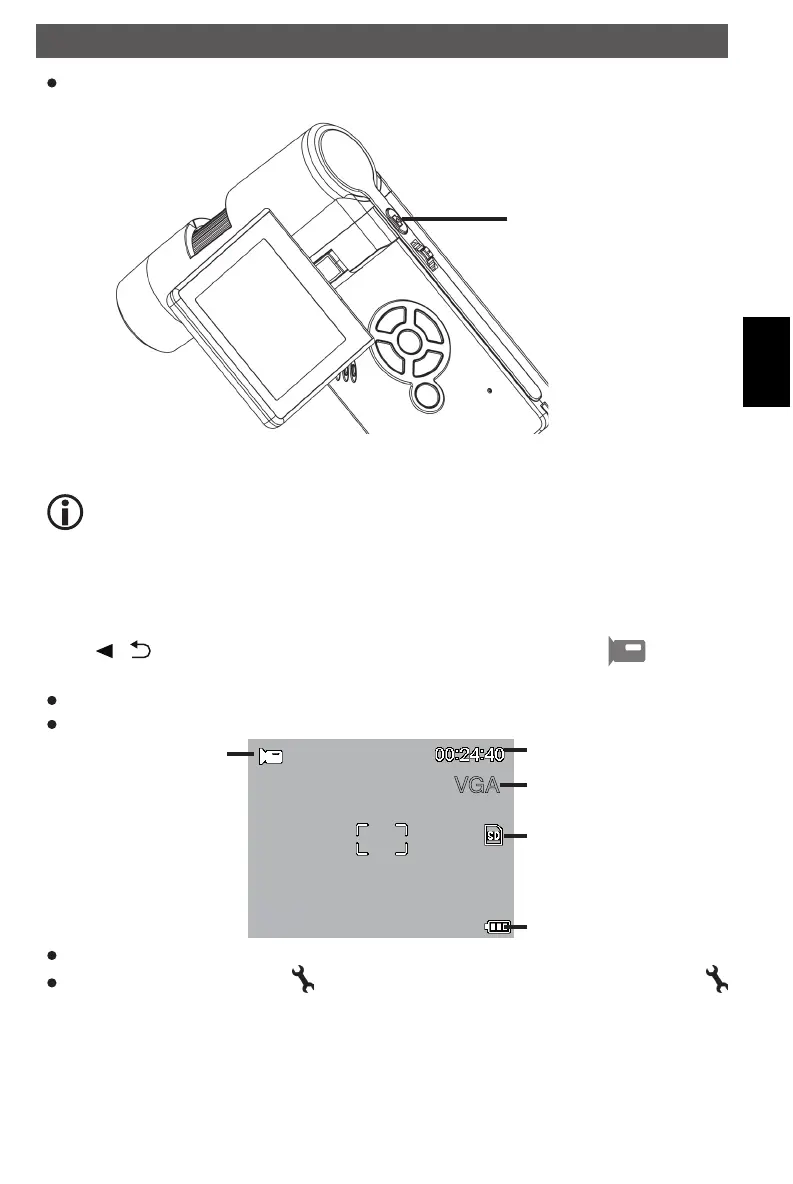
Press the capture button
capture button
When a clear image got, hold the microscope steadily and press Capture button
one time. Please see timer on page 40 also.
Remember the magnification on the scale for later mesurements.
Record Video
Press
/ - button to enter video mode as follows. There is video icon on the left
corner.
Press Capture button to start recording video.
Press again to stop.
video mode
VGA
redording time
resolution
SD card inserted
battery charging
indicator
The video has 2 resolution: VGA (640x480 pixel) and QVGA (320x240 pixel).
To change the resolution press button and select VGA or QVGA. To leave press the
button again.
Using the microscope
DM mobile4lg.indd 37 26.02.2013 10:04:16



 To Next Page