20 21
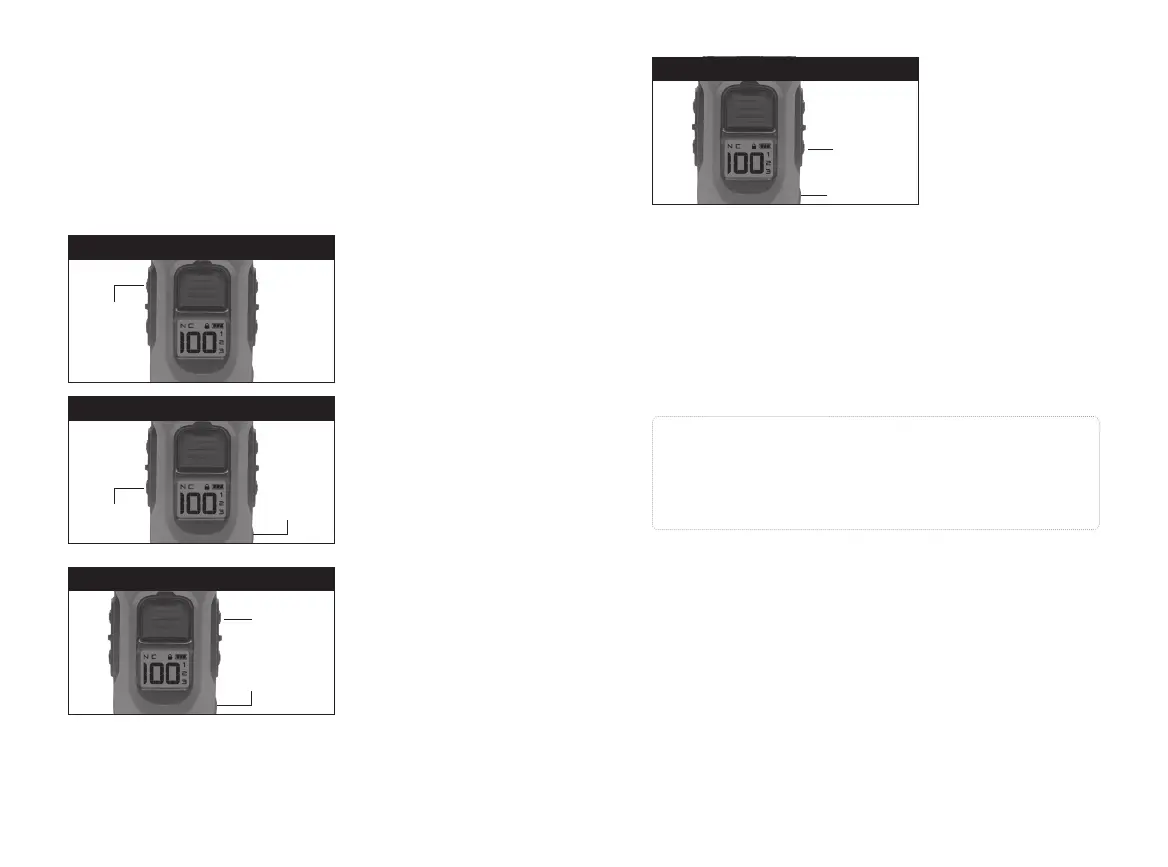
Hold down the on/o
button and the Pager
button.
1. Set desired BOOST
level
2. Hold down the on/
o button and the
Boosted constant
button.
Hold down the on/o
button and the Tone
button.
Hold down the on/o
button and the Light
button.
Press
Press
Press
On/O
Button
On/O
Button
On/O
Button
PAGER
BOOSTED CONSTANT
TONE
Pager
Button
Boosted
Constant
Button
Tone
Button
Press
On/O Button
LIGHT
Light Button
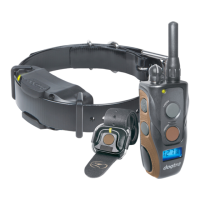
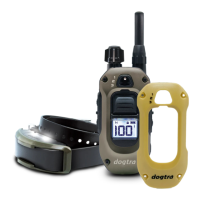
HANDSFREE SQUARE Pairing:
All other Functions
1. Begin with the remote transmitter turned o.
2. Press and hold the ON/OFF button + your desired func-
tion until you see the rapid light blink.
3. Press and hold the HANDSFREE SQUARE to code the
desired function
Range
The HANDSFREE SQUARE will need to be within 33 feet
of the transmitter to work.
Battery Life
The LED on the HANDSFREE SQUARE will blink when the
button is pressed. Replace the battery in the HANDSFREE
SQUARE when the LED no longer blinks.
Caution!
Only 14 HANDSFREE SQUARES can be paired. When a
15th HANDSFREE SQUARE is paired, the initial 14 that
were paired will reset and need to be paired again.





 To Next Page