16 17
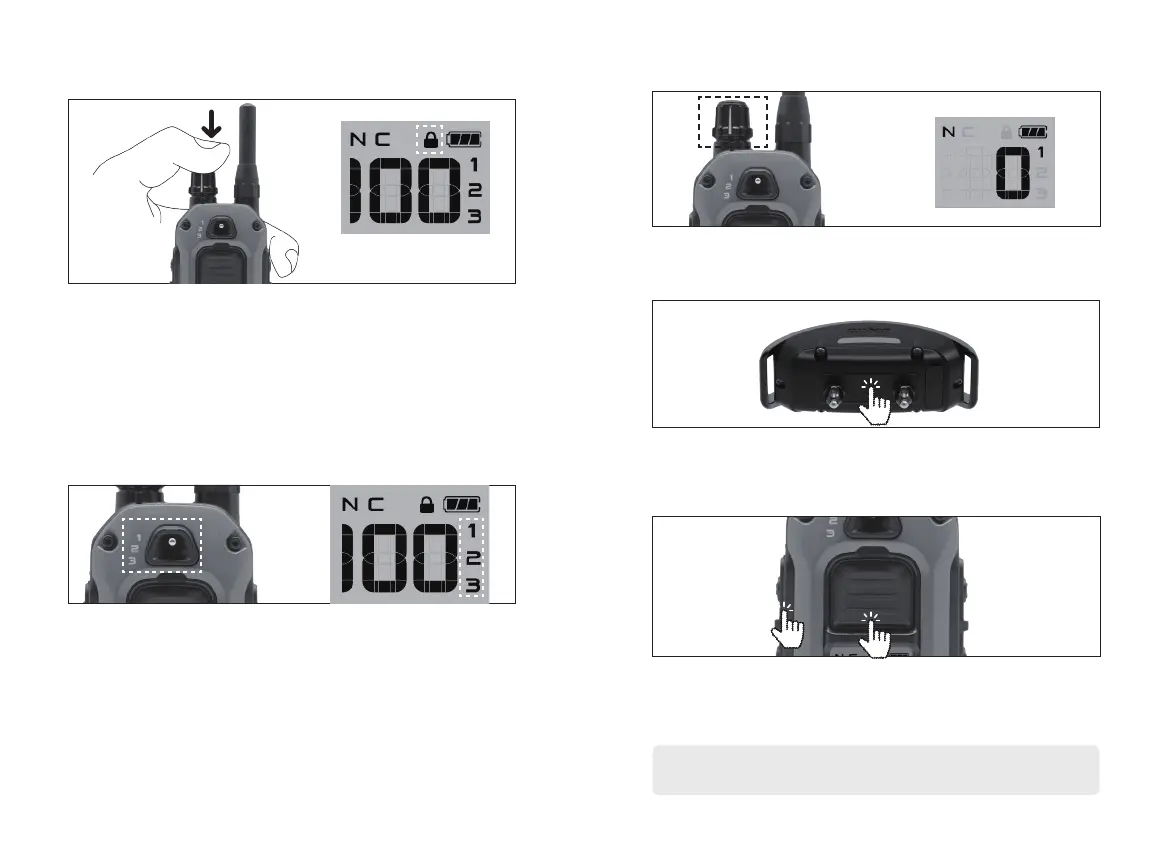
4. SAFETY LEVEL LOCK 6. HOW TO ADD AN ADDITIONAL RECEIVER DEVICE
5. EXPANDABLE 3-DOG SYSTEM
To prevent the stimulation level from changing
unintentionally, press the switch at the top of the Rheostat
dial for more than 2 seconds to lock it. When locked, a
lock icon will appear on the LCD screen. To release lock
mode, press the switch at the top of the volume again for
more than 2 seconds.
1. Turn on the transmitter and set the stimulation level to
“0”. Use the toggle to select the desired dog (1,2 or 3).
2. To begin pairing, receiver must be off. Initiate pairing
mode by pressing and holding the power button for 5
seconds until the LED starts blinking and then release.
3. Simultaneously press the front transmitter button and side
Boost button until the screen reads “CD****” then release.
Confirm successful pairing by pressing Pager vibration.
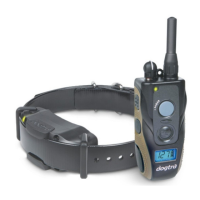
If you purchase an additional receiver, you can use
the front toggle switch to select the dog you want to
stimulate. You can check the selected dog on the LCD
screen.
Stimulation level lock indicator
Repeat the pairing process if the pager vibration test is unsuccessful.
The pairing between the devices has timed out or failed.
CD**** : Product ID CODE





 To Next Page