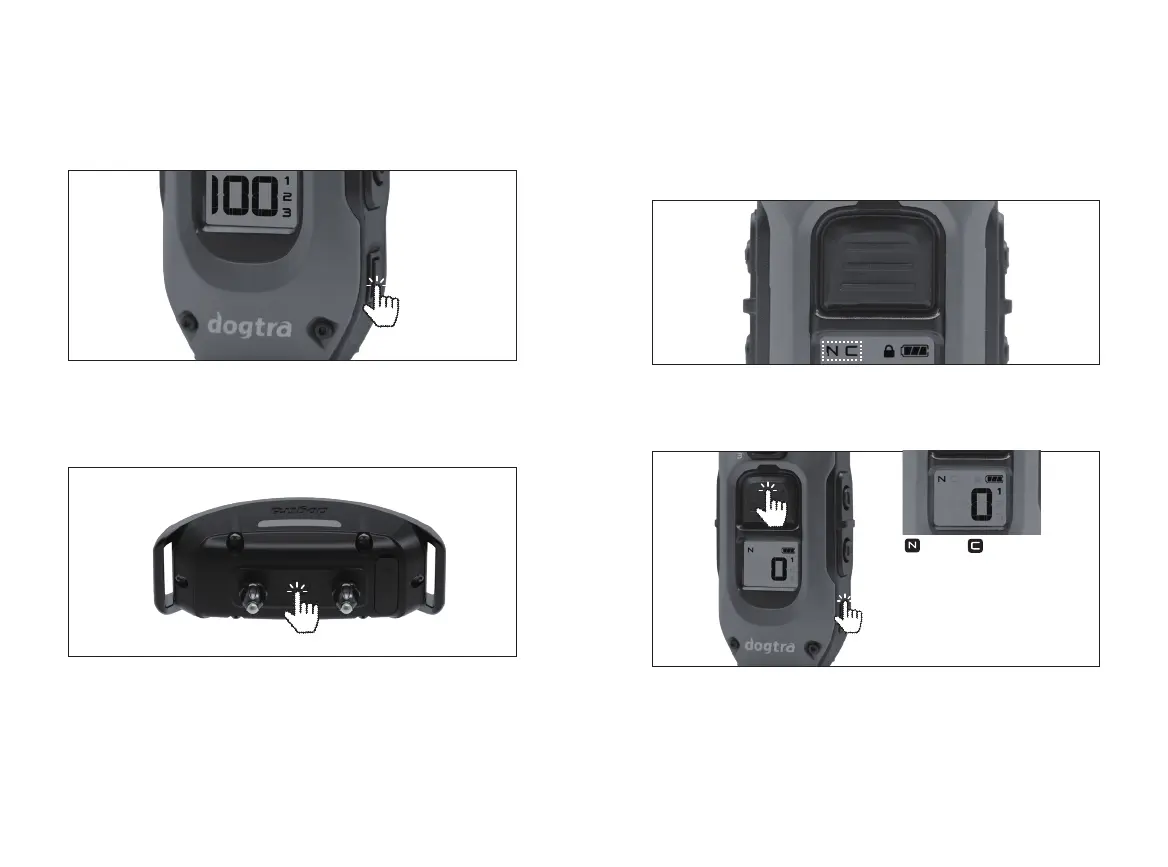
10 11
1. TURNING THE PRODUCT ON/OFF
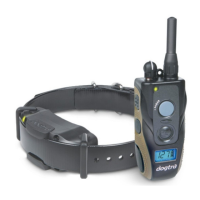
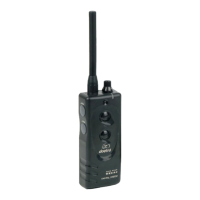
The remote transmitter’s power button is located on
the bottom right. Press and hold the power button for 2
seconds to turn it on or off.
The receiver’s collar power button is located between the
contacts. Press and hold the power button for 2 seconds
to turn it on or off. The LED indicator will turn solid green
with a tone when the unit powers on and a red light with a
tone when it powers off. (Press the power button briefly to
turn on the backlight.)
Front button settings
(PROGRAMMING BETWEEN NICK AND CONSTANT)
1) Set the stimulation level to “ 0 ”.
2) Hold both the main front button and side power button
together for 5 seconds to program Nick or Constant
mode. The selected mode will be displayed on the top
of the LCD screen.
UNDERSTANDING YOUR
TRAINING SYSTEM
2. DEFAULT BUTTON SETTINGS
Front button (Nick or Constant)
The front button can be selected as Nick / Constant. The
stimulus type indicated at the top of the display is applied.
(Factory set to Nick mode)
NICK or
CONSTANT

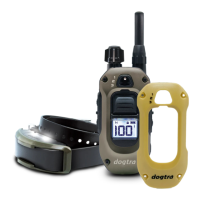
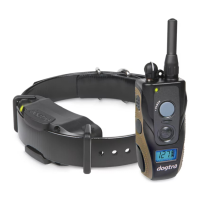

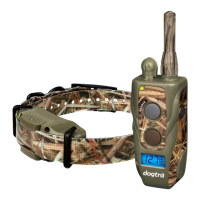



 To Next Page