18 19
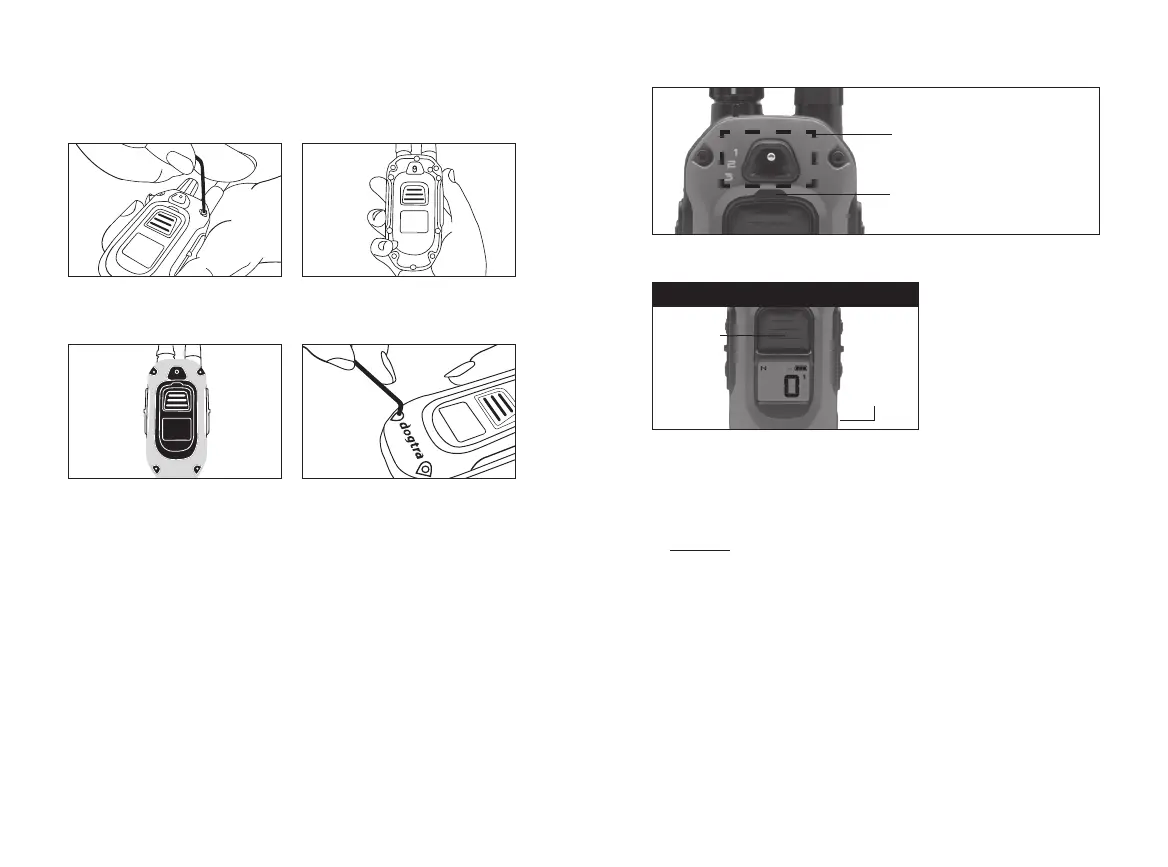
Additional X-SERIES case covers, X-Shields are sold
separately.
1. Use the included tool to
loosen the four screws.
3. Place the new X-SHIELD
on top of the unit to align
with the screw holes.
2. Remove the front case.
4. Use a tool to tighten
the screws into the four
holes.
7. X-SHIELD INSTALLATION
8. HANDSFREE/PLUS SQUARES PAIRING
HANDSFREE SQUARE PAIRING: NICK OR CONSTANT
On/O
Button
NICK OR CONSTANT
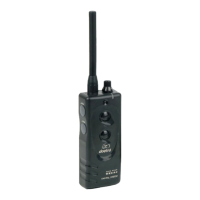
1. Turn the Remote On and set stimulation level to 0.
2. Select Nick or Constant by pressing and holding the
POWER + CENTER (N/C) button for 5 seconds.
3. Once your desired function appears on the screen,
turn o the remote transmitter.
4. Press and Hold the POWER + CENTER button until the
rapid light blinks.
5. Press and hold the HANDSFREE SQUARE to code the
desired function.
Select the number Dog
you want to pair with the
HANDSFREE SQUARE
Pairing light indicator
Nick/
Constant
Button








 To Next Page