28 29
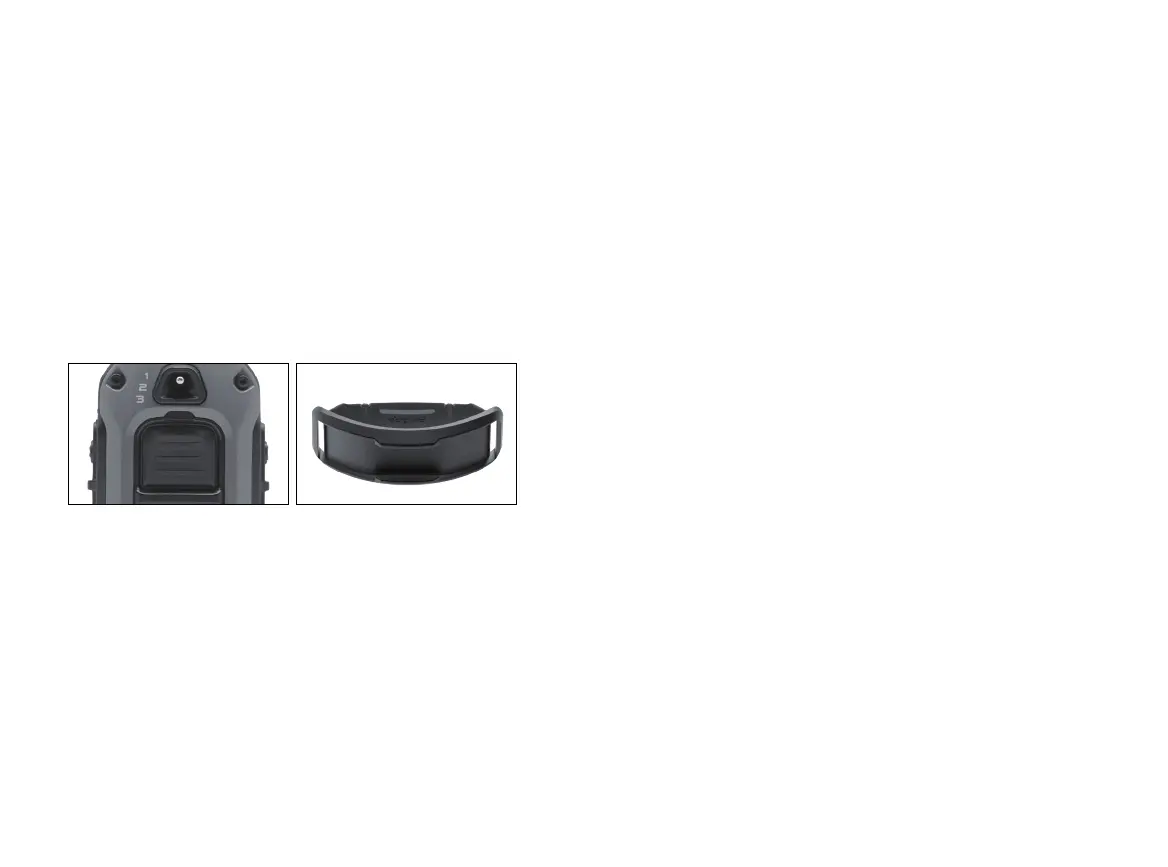
6. LED INDICATOR
The LED indicator flashes every 4 seconds when the
receiver is on and ready for use. The LED indicator will
blink on both the transmitter and the receiver when the
transmitter buttons are pressed.
The LED indicator color indicates the battery life level.
Green = Full charge
Amber = Medium charge
Red = Needs charge
If the unit is used while the LED indicator is red, it may
shut down automatically.
Receiver Indicator Light
When the Constant button on the transmitter is pressed,
the receiver indicator light will glow steadily (either green,
amber, or red based on the remaining battery life), as
long as you hold the button down, for up to 12 seconds.
When the Nick button is pressed, the light comes on for a
fraction of a second.
7. CARE FOR LCD TRANSMITTERS IN COLD TEMPERATURE
In cold temperatures (below 10°F), the transmitter's liquid
crystal display (LCD) may appear dim or unresponsive.
Wait until you see the display before selecting your
training level. Even if the LCD screen goes dark or
becomes unresponsive when you press a button, the
transmitter still functions properly. In very cold weather,
the LCD screen may take some time to respond, which
may cause the intensity level to become stuck at the
current level. Turning the rheostat dial will not change the
level on the screen, but will change the actual intensity of
the receiver.





 To Next Page