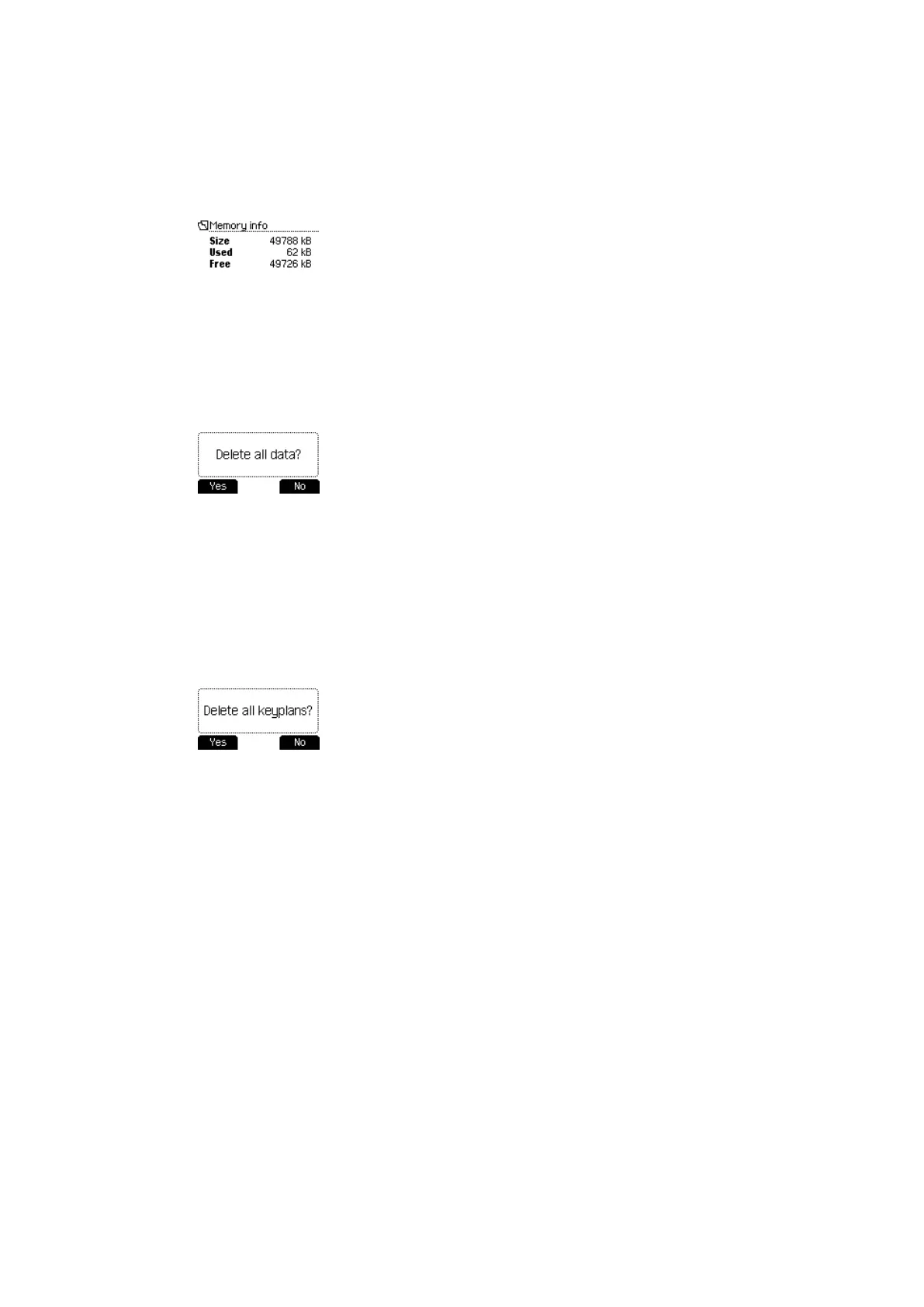
4.5.3.3 Memory info
1. Open the Data settings menu.
2. Select the Memory info sub-menu.
3. Press the ENTER button.
ð The memory status is displayed.
4.5.3.4 Delete all
All data is deleted from the programmer in this menu.
1. Open the Data settings menu.
2. Select the Delete all sub-menu.
3. Press the ENTER button.
4. Select "Yes".
ð All data is deleted from the programmer.
4.5.3.5 Delete all key plans
All key plans are deleted from the programmer in this menu.
1. Open the 'Data settings' menu.
2. Select the 'Delete all key plans' sub-menu.
3. Press the ENTER button.
4. Select 'Yes'.
ð All key plans are deleted from the programmer.
Operation User Manual
26 - 06/2021dormakaba Programmer 1460



 To Next Page