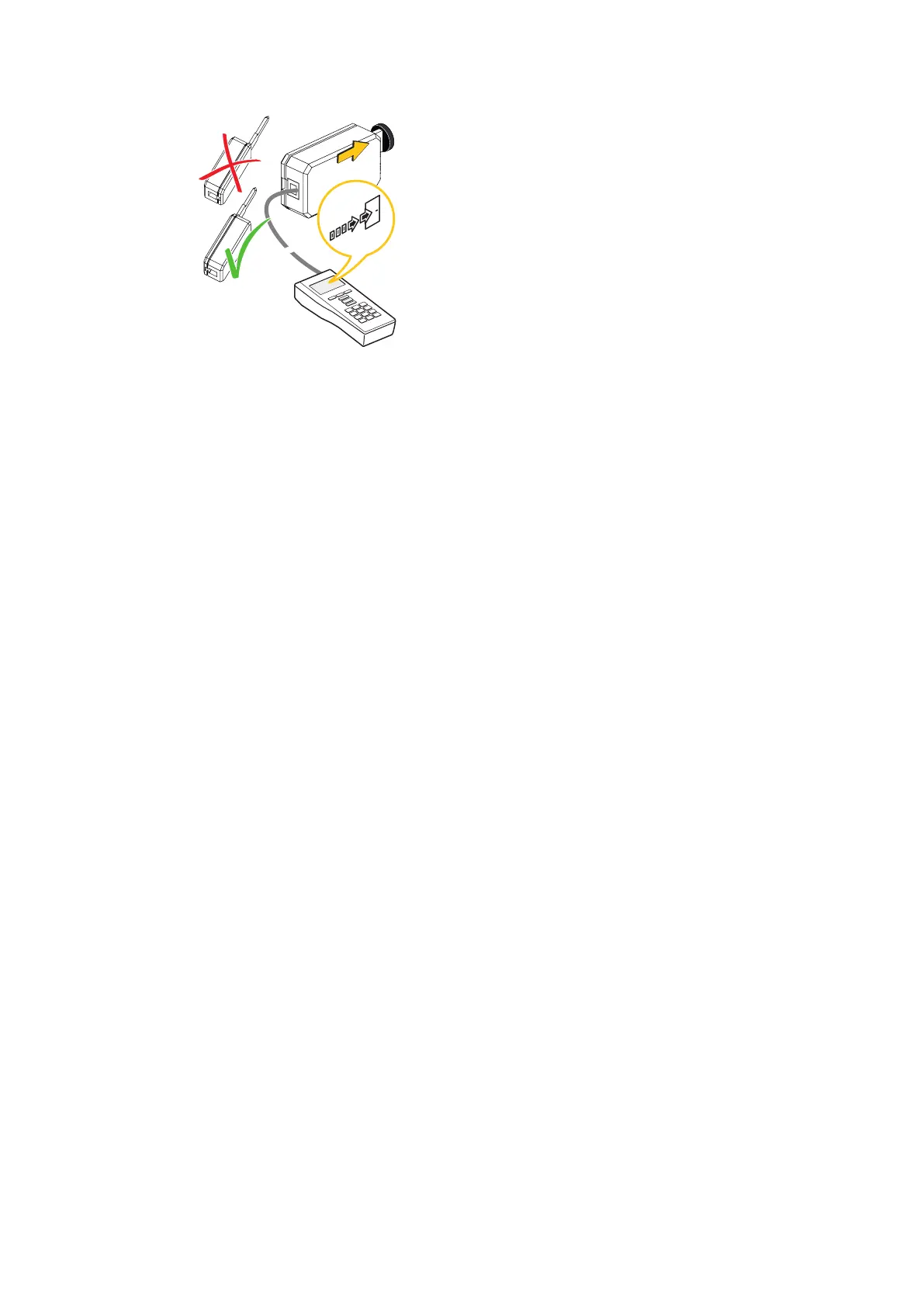
5.3.3 Export to mechatronics cylinders
Select the configuration data from the list in the programmer and export it to the
mechatronic cylinder.
ü Valid master medium available
ü Programming adapter and programming cable available
1. Press the 'Export' menu key.
ð The 'Export' menu opens.
2. Insert the master into the mechatronic cylinder and remove it again.
3. Insert the programming adapter into the mechatronic cylinder.
4. Choose a key plan.
5. Press the ENTER key.
6. Choose an actuator.
7. Press the ENTER key.
5.3.4 Updating a mechatronics cylinder
ü Valid master medium available
ü Programming adapter and programming cable available
1. Press the 'Export' menu key.
ð The 'Export' menu opens.
2. Insert the master into the mechatronic cylinder and remove it again.
3. Insert the programming adapter into the mechatronic cylinder.
ð Update the configuration.
4. Choose 'Next'.
ð All data are exported to the mechatronic cylinder.
ð The component configuration is updated and confirmed.
Programming User Manual
30 - 06/2021dormakaba Programmer 1460



 To Next Page