4.4 Wireless programming
During data transmission, never remove the programmer from the antenna panel of the
components (as otherwise transmission will abort).
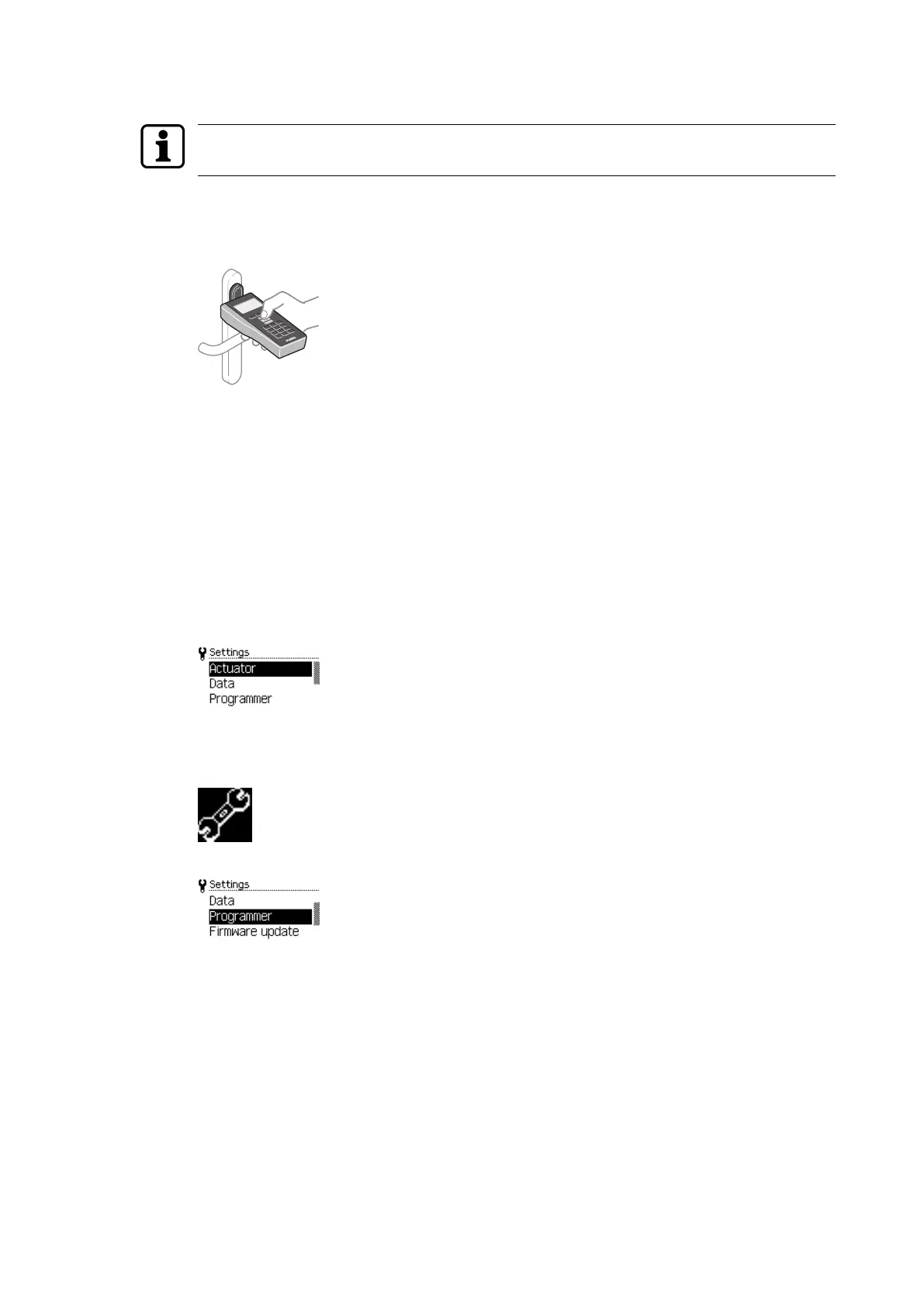
The radio interface (NFC) is used for wireless programming and configuration.
For this, the programmer must be held with its front pointing directly at the component
antenna.
Example: c-lever
4.5 Settings
Different properties and settings can be adjusted in the Settings menu.
• Actuators
• Data
• Programmer
• Firmware update
• Emergency power supply
4.5.1 Programmer settings
1. Press the 'Settings' menu key.
2. Use the navigation keys to select the 'Programmer' menu.
3. Press the ENTER key.
ð The properties are displayed.
Operation User Manual
14 - 06/2021dormakaba Programmer 1460



 To Next Page