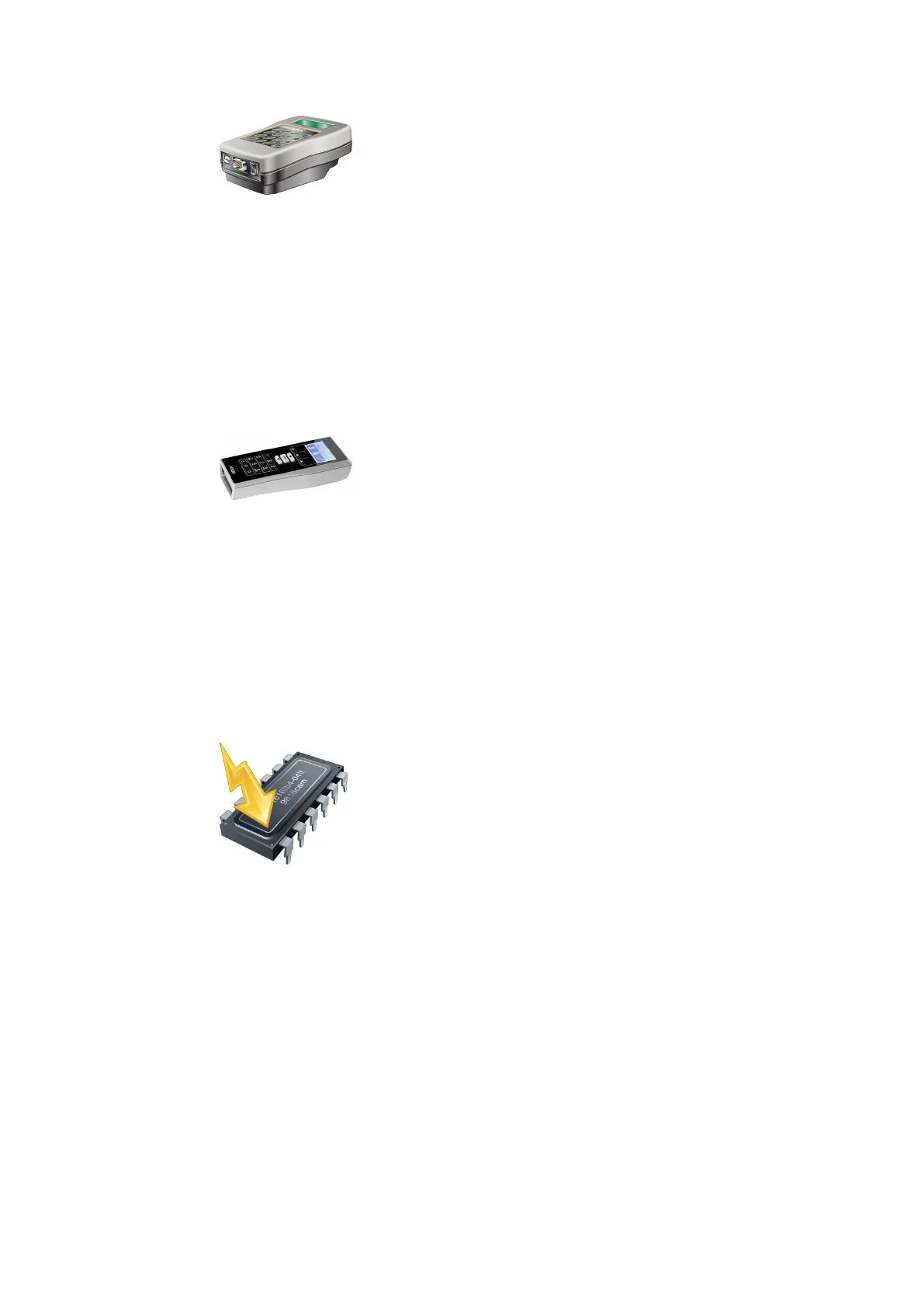
8.1.1 Programmer 1364 – updating firmware
1. Start the 'EAC Service Tool’ auxiliary program.
2. Connect programmer 1364 to the computer.
3. Click the 'Programmer 1364' button.
4. Follow the Wizard’s instructions.
5. Select the current firmware file and confirm by selecting 'Next'.
ð The programmer is updated.
6. Click on the 'Finish' button.
8.1.2 Programmer 1460 – updating firmware
1. Start the 'EAC Service Tool’ auxiliary program.
2. Connect the programmer to the computer.
3. Click the 'Programmer 1460' button.
4. Follow the Wizard’s instructions.
5. Select the current firmware file and confirm by selecting 'Next'.
ð The programmer is updated.
6. Click on the 'Finish' button.
8.1.3 Actuators – updating firmware
1. Start the 'EAC Service Tool' auxiliary program.
2. Connect the programmer to the computer.
3. Click on the 'Actuator firmware' button.
4. Follow the wizard’s instructions.
5. Select the current firmware file.
Note: Files which are displayed as inactive are already on the programmer. The current
files are marked with a green thumbtack.
6. Transfer the selected files to the programmer page using the 'arrow' button (in the
middle).
7. Click on the 'Next' button.
ð The selected firmware files are transferred to the programmer.
ServiceUser Manual
45- 06/2021 dormakaba Programmer 1460



 To Next Page