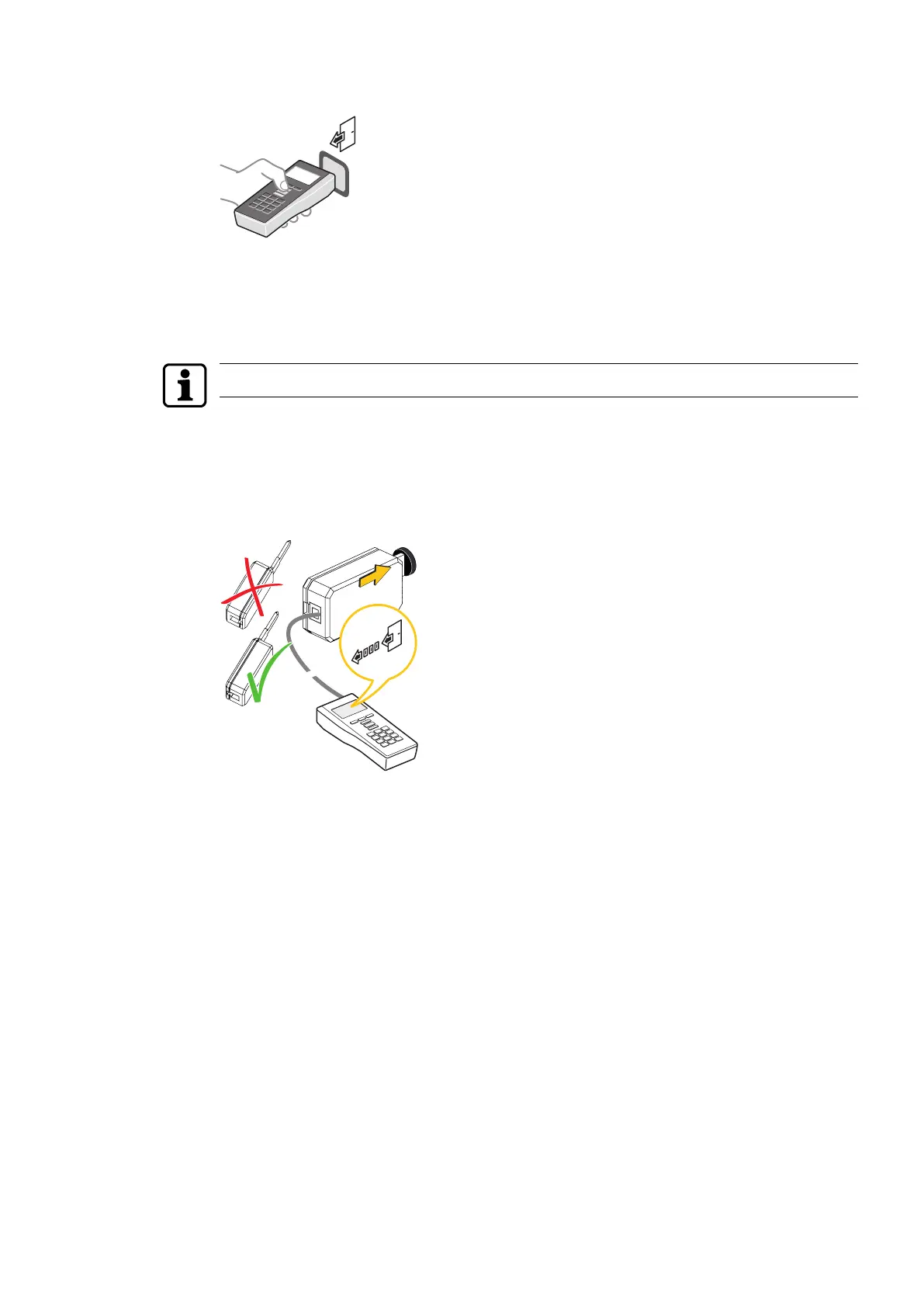
5.4.4 Import from digital cylinder, c-lever and reader
ü Valid master medium available
1. Press the 'Import' menu key.
ð The 'Import' menu opens.
2. Log the master in to the component.
Activate the electronics on cabinet lock 21 10 by pressing briefly on the door.
3. Choose a menu, e.g. 'Configuration'.
4. Press the ENTER key.
ð The component configuration is read and confirmed.
5.4.5 Import from mechatronics cylinder
ü Valid master medium available
ü Programming adapter and programming cable available
1. Press the 'Import' menu key.
ð The 'Import' menu opens.
2. Insert the master into the mechatronic cylinder and remove it again.
3. Insert the programming adapter into the mechatronic cylinder.
4. Choose a menu, e.g. 'Configuration'.
5. Press the ENTER key.
ð The component configuration is read and confirmed.
ProgrammingUser Manual
33- 06/2021 dormakaba Programmer 1460



 To Next Page