5 Programming
This section describes using the programmer to configure and program components.
Data transfer from the system software is described in the operating manual.
5.1 Setting the properties and functions of a component
The following properties of a component can be changed with the programmer:
• The date and time of the clock
• The acoustic signal and the visual display
• The opening time (default 6s)
• The firmware version
• The INI reset
• Connecting a wireless component with a wireless gateway.
Main functions
The two main functions that can be performed on components with the Programmer are
export and import of data. Both functions are performed with the Programmer via the radio
interface (NFC) or with the programming cable.
5.2 System level
The components are dispatched to the customer with a preset system level. Depending on the
system level that is set, the component has a certain scope of functions. The host systems
provide the parameter settings for the system level assigned to them. It is then not possible
to set parameters for a component with the incorrect system level.
Overview
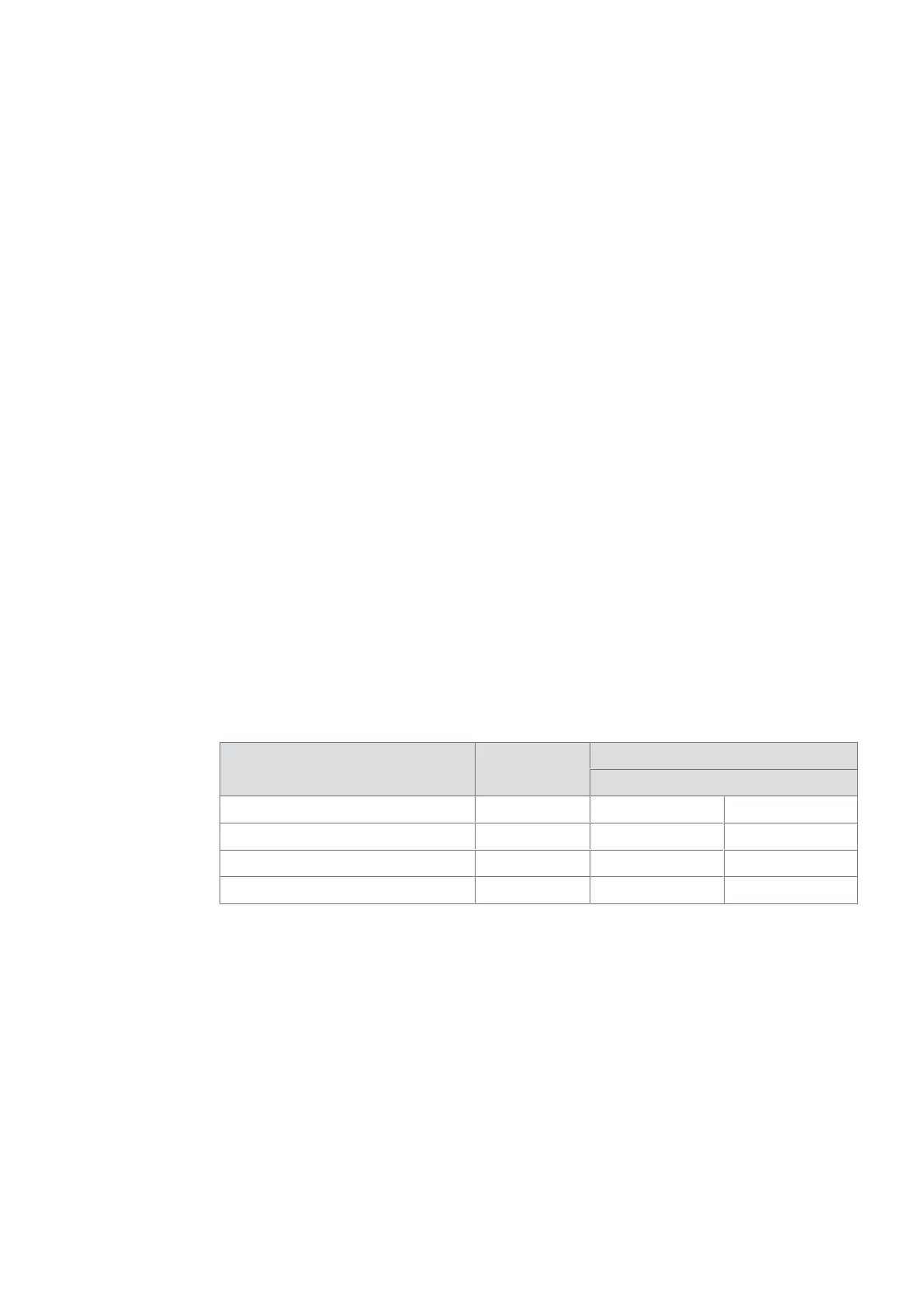
Overview of the host systems used and the matched system level.
System System level Definition on the Programmer
Firmware from 1.30 onwards
evolo smart SL1 Residential 1
Matrix One/exivo/KEM SL2 Indirect 2
Matrix Pro/Exos/EACM SL3 Professional 3
OSS (3rd Party + dormakaba host) SL4 3rd Party 4
Determining the system level status and “BLE ready”.
On the programmer, select the 'Actuator info' menu and read the information from the
component.
Requirements:
• Programmer 1460
• Master medium of the component
Procedure:
1. Log in to the component with the master medium.
2. Select the ‘Read actuator’ menu.
3. Select the menu option ‘Info’.
4. Connect the Programmer with the component.
ProgrammingUser Manual
27- 06/2021 dormakaba Programmer 1460



 To Next Page