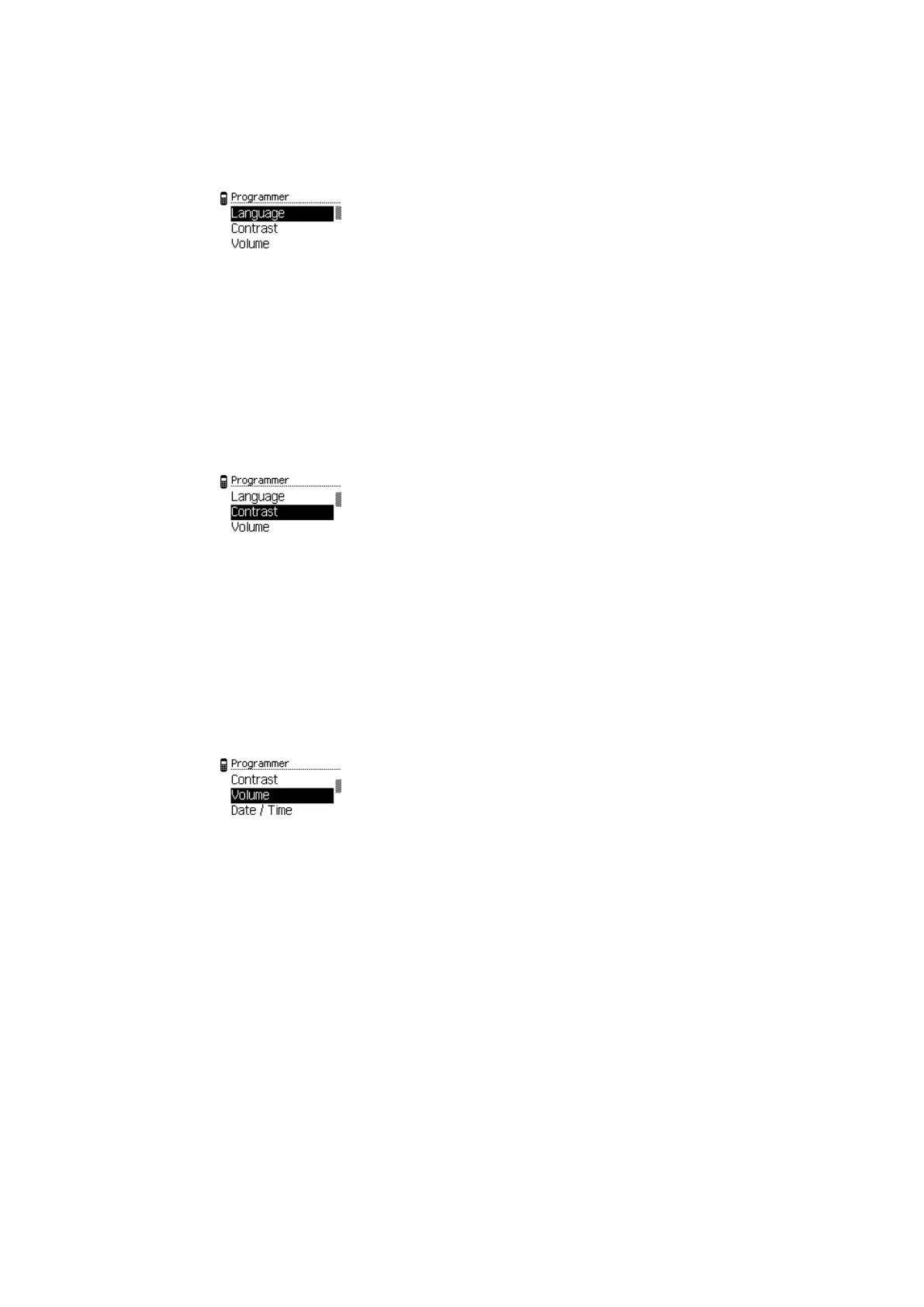
4.5.1.1 Setting the language
1. Open the 'Settings' menu.
2. Open the 'Programmer' menu.
3. Select the 'Language' entry.
4. Press the ENTER key.
5. Select the desired language from the list.
6. Press the ENTER key.
ð The language setting is saved.
4.5.1.2 Setting the display contrast
1. Open the 'Settings' menu.
2. Open the 'Programmer' menu.
3. Choose the 'Contrast' sub-menu.
4. Press the ENTER key.
5. Select the desired contrast value using the navigation keys.
6. Press the ENTER key.
ð The value is saved.
4.5.1.3 Setting the volume
1. Open the 'Settings' menu.
2. Open the 'Programmer' menu.
3. Choose the 'Volume' sub-menu.
4. Press the ENTER key.
5. Select the volume level using the navigation keys.
6. Press the ENTER key.
Note: The value < 1 means "mute".
ð The value is saved.
OperationUser Manual
15- 06/2021 dormakaba Programmer 1460



 To Next Page