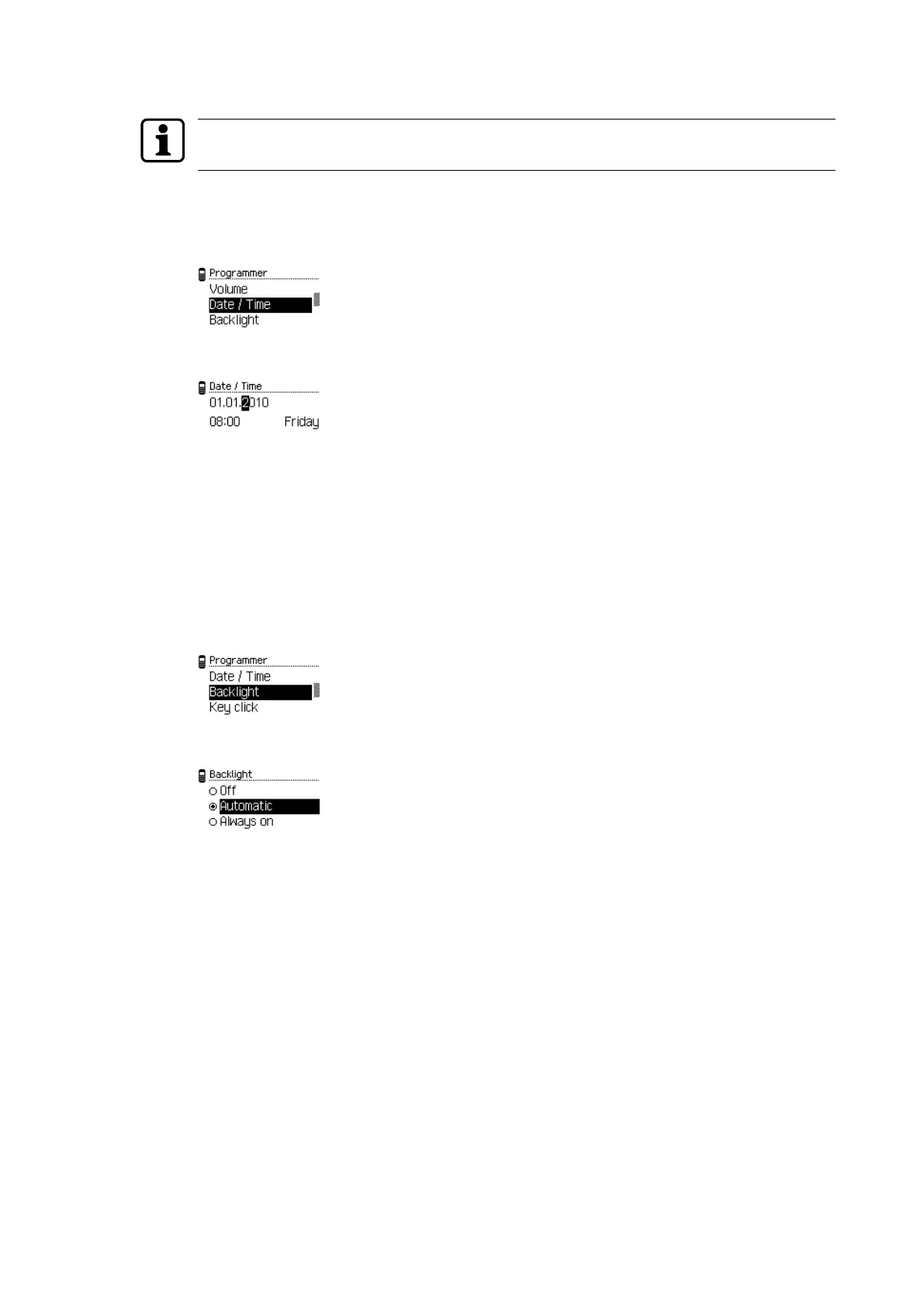
4.5.1.4 Setting the date and time
Correctly set values for date and time ensure time management with the components is up-
to-date.
1. Open the 'Settings' menu.
2. Open the 'Programmer' menu.
3. Select the 'Date/Time' sub-menu.
4. Press the ENTER key.
ð The cursor (flashes) shows the active position.
5. Enter the current date and time using the alphanumeric keys.
Note: Change the positions of the cursor using the navigation keys.
6. Press the ENTER key.
ð The current values are saved.
4.5.1.5 Setting the lighting
1. Open the 'Settings' menu.
2. Open the 'Programmer' menu.
3. Choose the 'Lighting' sub-menu.
4. Press the ENTER key.
5. Select the lighting variant.
6. Press the ENTER key.
ð The selection is saved.
Operation User Manual
16 - 06/2021dormakaba Programmer 1460



 To Next Page