4.5.1.6 Setting the button tone
A warning always sounds when keys are pressed incorrectly.
1. Open the 'Settings' menu.
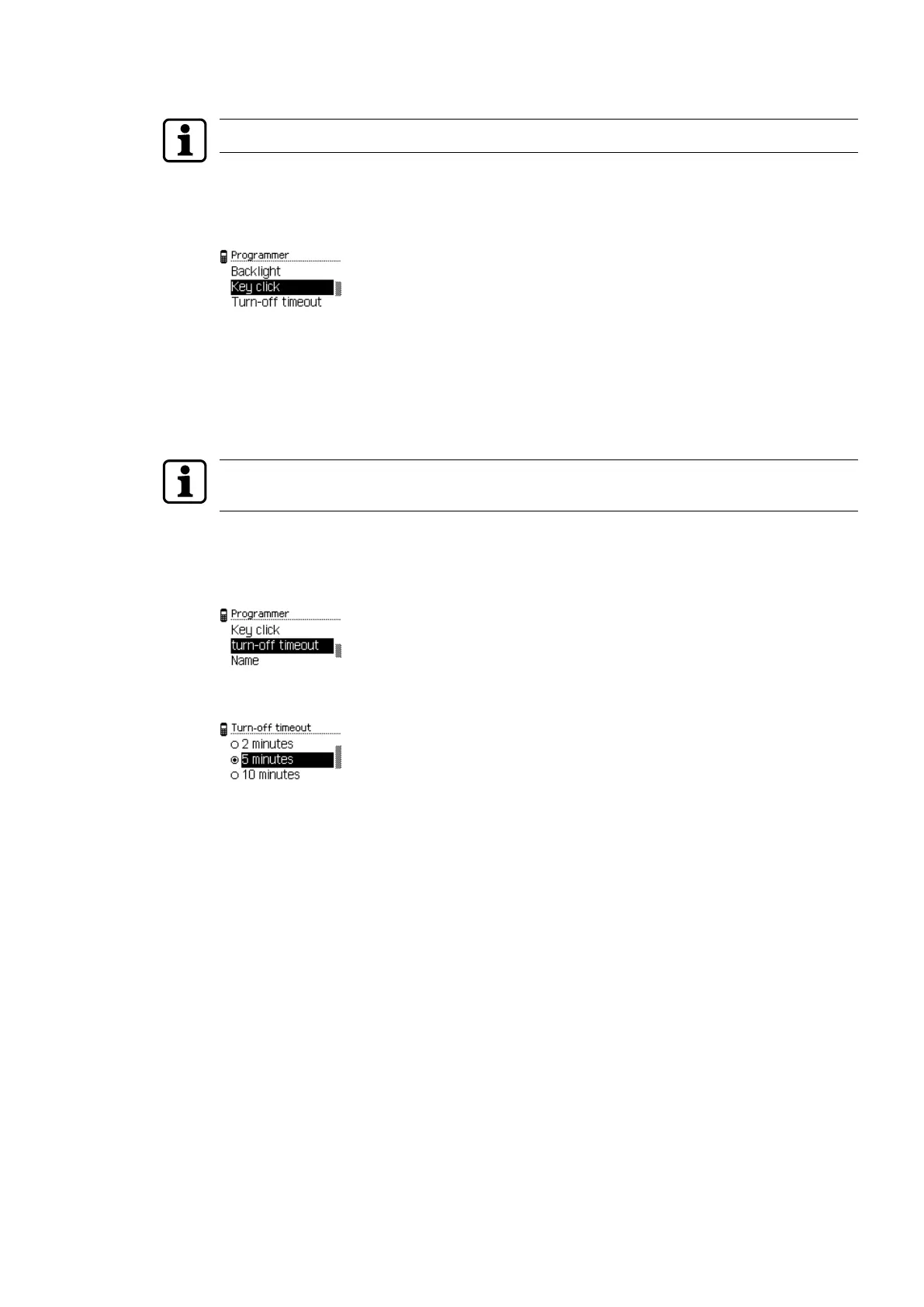
2. Open the 'Programmer' menu.
3. Choose the 'Key tone' sub-menu.
4. Press the ENTER key.
5. Select the desired property.
6. Press the ENTER key.
ð The selection is saved.
4.5.1.7 Setting the switch-off time
Setting the optimum switch-off time enables the power consumption of the programmer to
be reduced and operation until the battery next requires charging to be prolonged.
1. Open the 'Settings' menu.
2. Open the 'Programmer' menu.
3. Select the 'Switch-off time' sub-menu.
4. Press the ENTER key.
5. Select the switch-off time.
6. Press the ENTER key.
ð The selection is saved.
OperationUser Manual
17- 06/2021 dormakaba Programmer 1460



 To Next Page