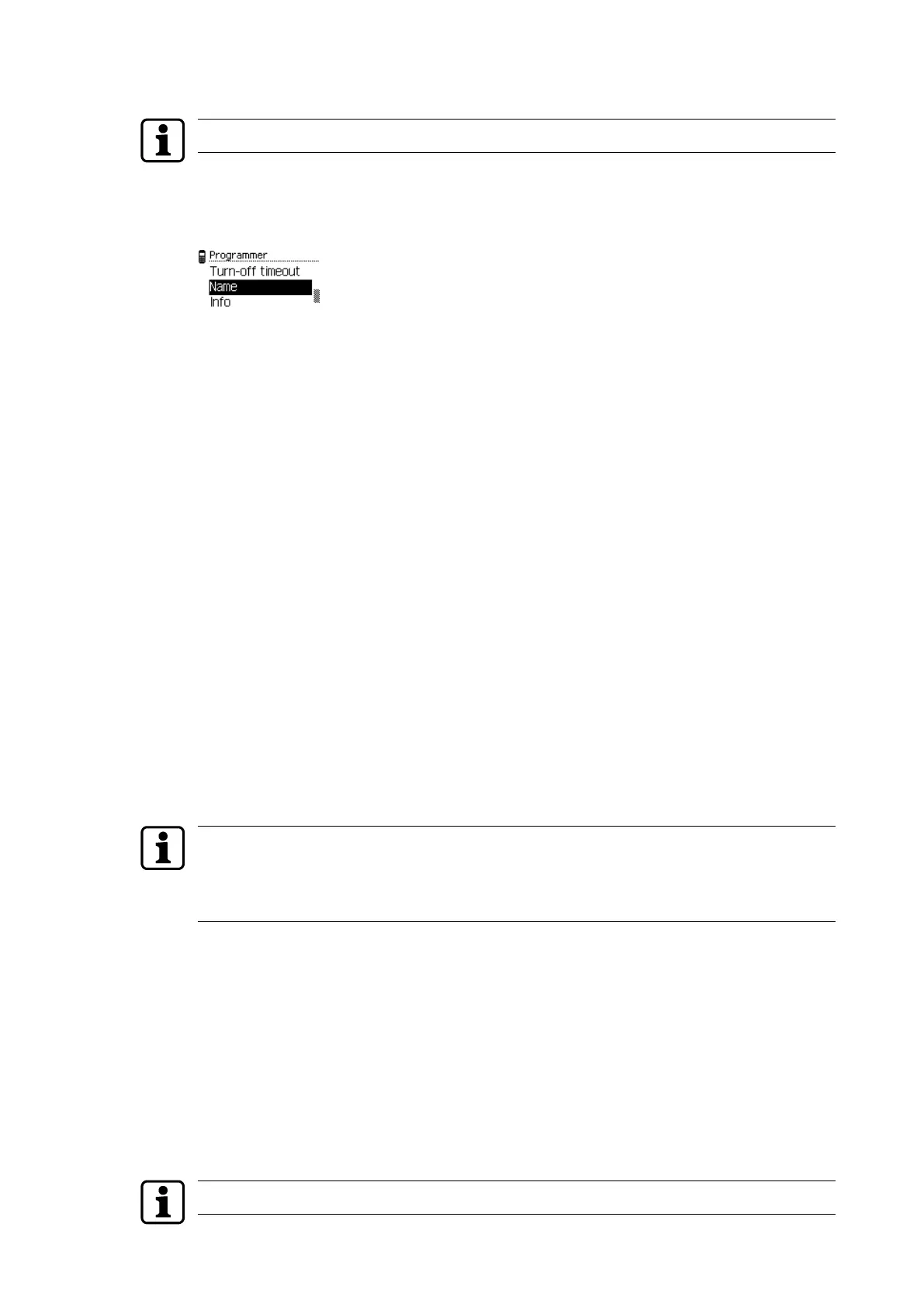
4.5.1.8 Entering a name
A restart is required to show a new name on the display.
1. Open the 'Settings' menu.
2. Open the 'Programmer' menu.
3. Select the 'Name' sub-menu.
4. Press the ENTER key.
Note: Use the right menu key (a/A) to switch between upper and lower case.
Use the left menu key (x) to delete a previous entry.
5. Enter a name using the alphanumeric keys (max. 28characters).
6. Press the ENTER key.
ð The name is saved.
4.5.1.9 Info
1. Open the 'Settings' menu.
2. Open the 'Programmer' menu.
3. Select the menu option ‘Info’.
Programmer information is displayed:
SW Software version
CS Check sum
HW Hardware version
Press the ENTER key to exit the menu.
4.5.1.10 PIN protection
A PIN is set up on the Programmer for protection from unauthorised use. There is a prompt
for the PIN upon switching on the Programmer. The PIN does not have to be input any more
until the Programmer is switched off.
If a PIN has been set up through the system software, it is overwritten by the PIN set up with
the menu.
A PIN that has been set up through the menu of the Programmer cannot be changed by the
system software.
• The PIN can be set up using the system software as described in the system software
manual.
• The PIN is set up from the menu of the Programmer.
Setting up the PIN from the menu of the Programmer:
1. Select the menu ‘PIN Protection’.
2. Select the menu ‘Set PIN’.
3. Input the desired PIN twice.
ð If both inputs match, the PIN is saved. PIN protection is active.
Change PIN:
If a PIN has been set up via the system software, it is to be input as the “old PIN”.
Operation User Manual
18 - 06/2021dormakaba Programmer 1460



 To Next Page