English
2. Enter time, then press .
3. Enter subject, see Enter text
, p.6
4. Press OK to confirm.
Snooze or stop
When the alarm sounds:
• Select Silent
OK to stop.
• Select Snooze to repeat after 9 minutes.
Note! The reminder will work even when the phone is powered off. Do not
power on your phone if wireless phone use is prohibited or when it may
cause interference or danger.
Tip: For more options select an existing entry, and press Options
Skip
reminder, Add, Edit, Delete or Delete all.
Status
Scroll through the Status list to get further information about the
icons shown on top of your display. Icons shown on the display varies de-
pending on your phone status.
• Press Menu
Status.
1. Use
/ to scroll the list.
2. Press Back to return to standby mode.
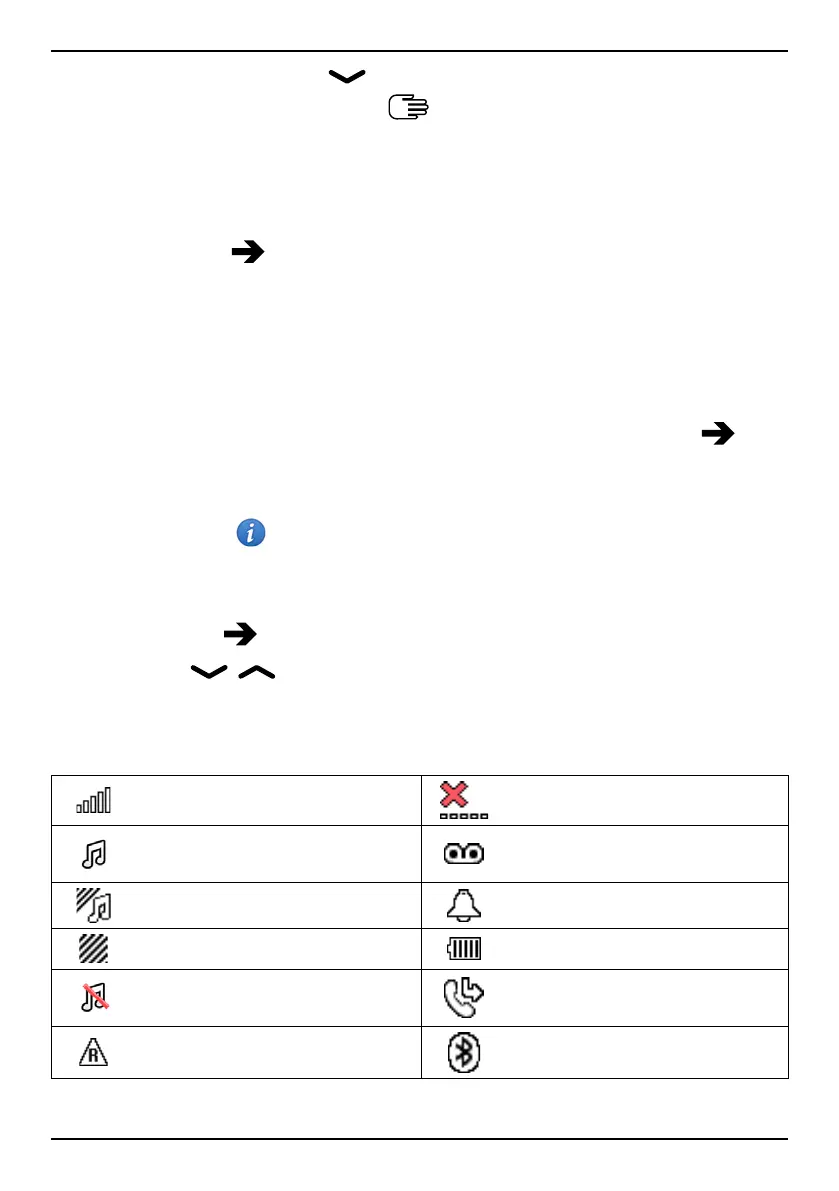
Display status symbols
Signal strength
No network coverage
Ring only
Voice mail message
received
Ring + vibration
Alarm active
Vibration only Battery level
Silent Call divert activated
Roaming (in other network)
Bluetooth on, visible to
others
50



 To Next Page