EasyManua.ls Logo

Doro 824 - Receive a Call; Call Options

Doro 824
82 pages
Print Icon
To Next Page IconTo Next Page
To Previous Page IconTo Previous Page
Loading...
English
From the Home screen you can also open by selecting Menu
Contacts.
2. Scroll the list to find the desired contact. If needed, select the num-
ber to dial.
3. Select
End call to end.
Receive a call
1. Select Accept or select Reject to reject directly (busy signal).
2. Select
End call to end.
Call options
Volume control
Use the volume keys to adjust the sound volume during a call. The
volume level is indicated on the display.
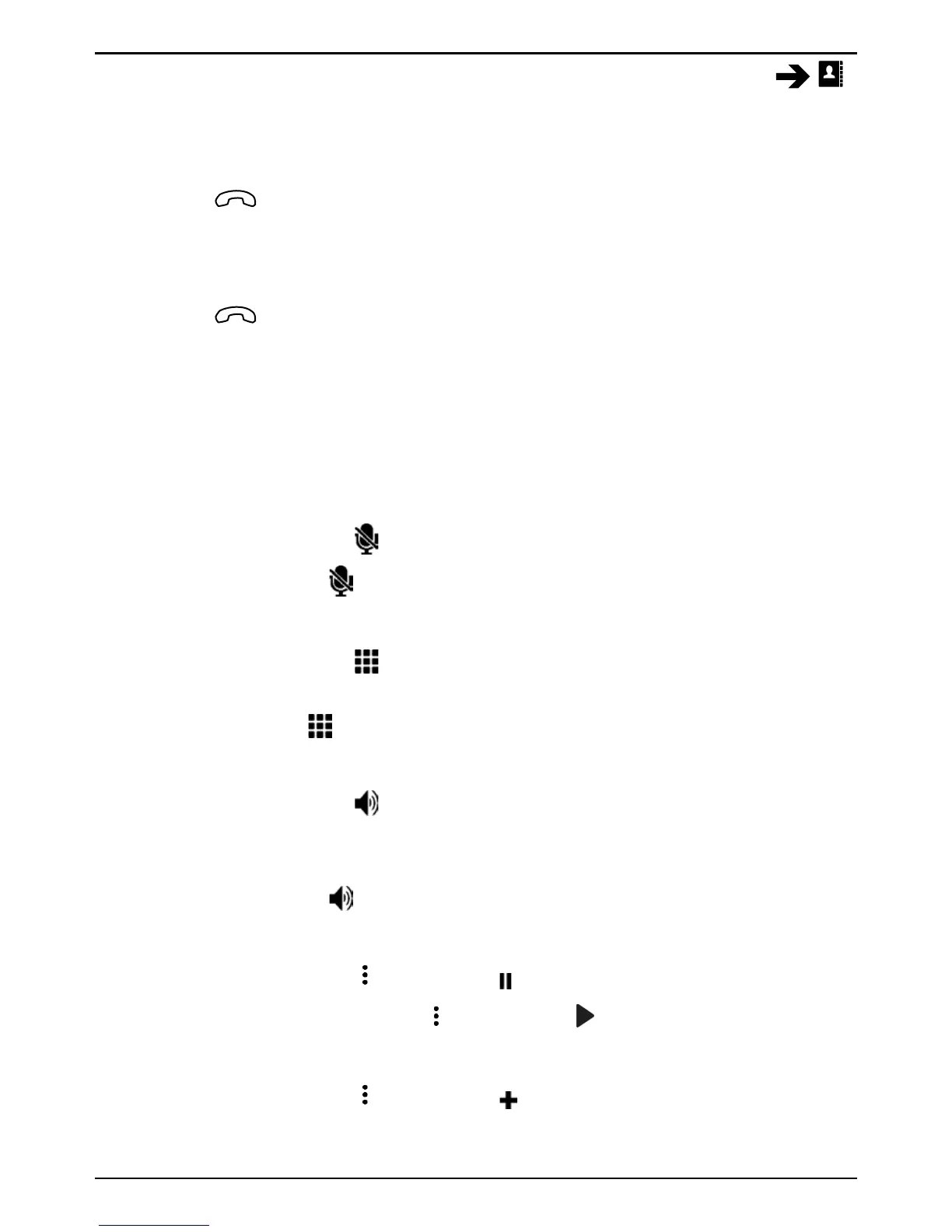
Mute
1. During a call, select
.
2. To disable, select
again.
Dialer (tone sending)
1. During a call, select
.
2. Enter number.
3. To close, select
again.
Loudspeaker
1. During a call, select
.
2. Speak clearly into the microphone at a maximum distance of 1 m.
Use + or to adjust the loudspeaker volume.
3. To disable, select
again.
Hold
1. During a call, press
and select Hold call.
2. To return to the call, press
and select Resume call.
Add call
1. During a call, press
and select Add call. The first call is set on
hold.
27

Table of Contents

Other manuals for Doro 824

Related product manuals