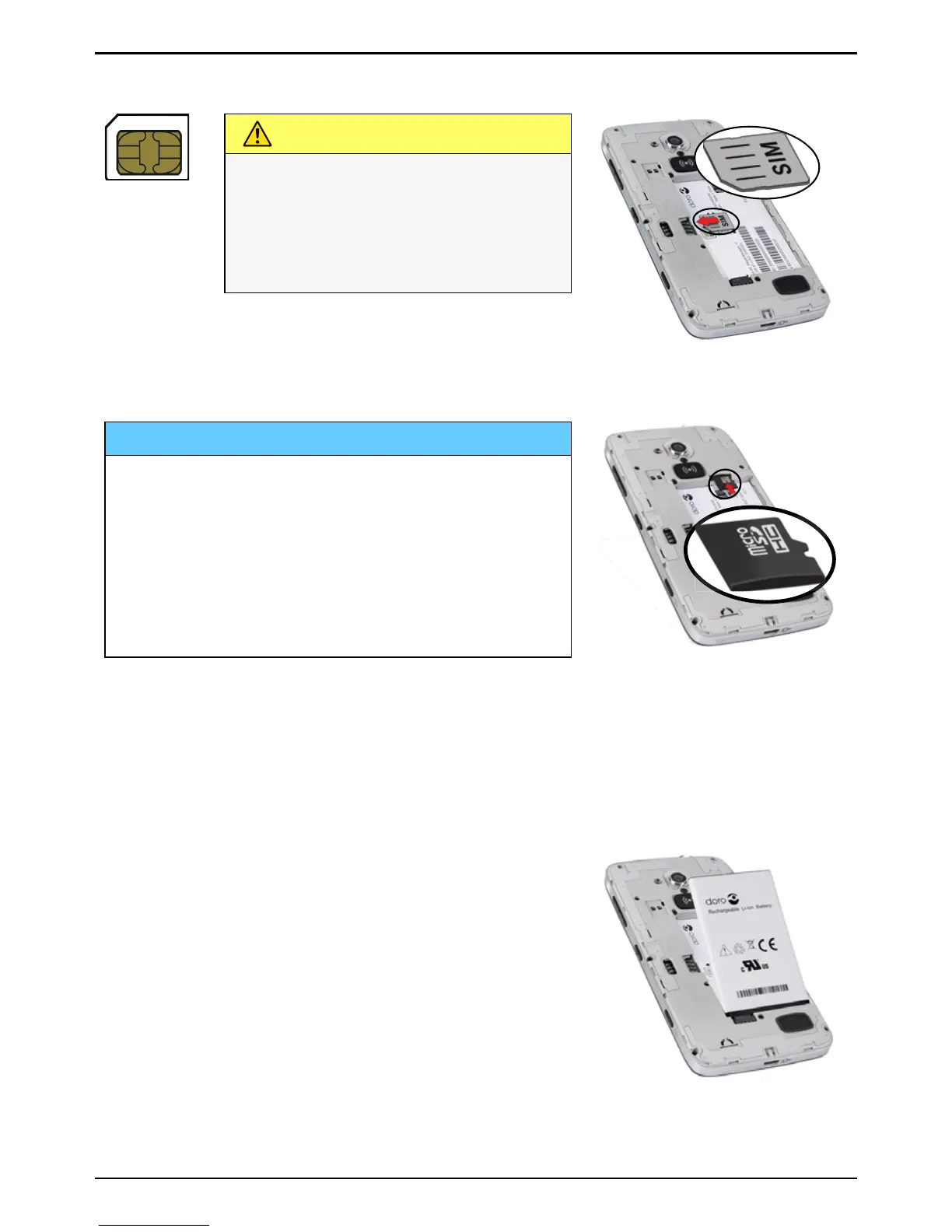
CAUTION
This device accepts micro-SIM
card. Use of incompatible SIM
cards may damage the card or
the device, and may corrupt
data stored on the card.
Insert the memory card (optional)
IMPORTANT!
Use only compatible memory cards with
this device. Compatible card type:
microSD, microSDHC.
Incompatible cards may damage the card
itself, the device and corrupt any data
stored on the card. Some phones may
have a pre-installed memory card.
Tip: Take care not to scratch or bend the
contacts on the memory or SIM card when
inserting them into the card holders.



 To Next Page