English
Turn the phone on and off
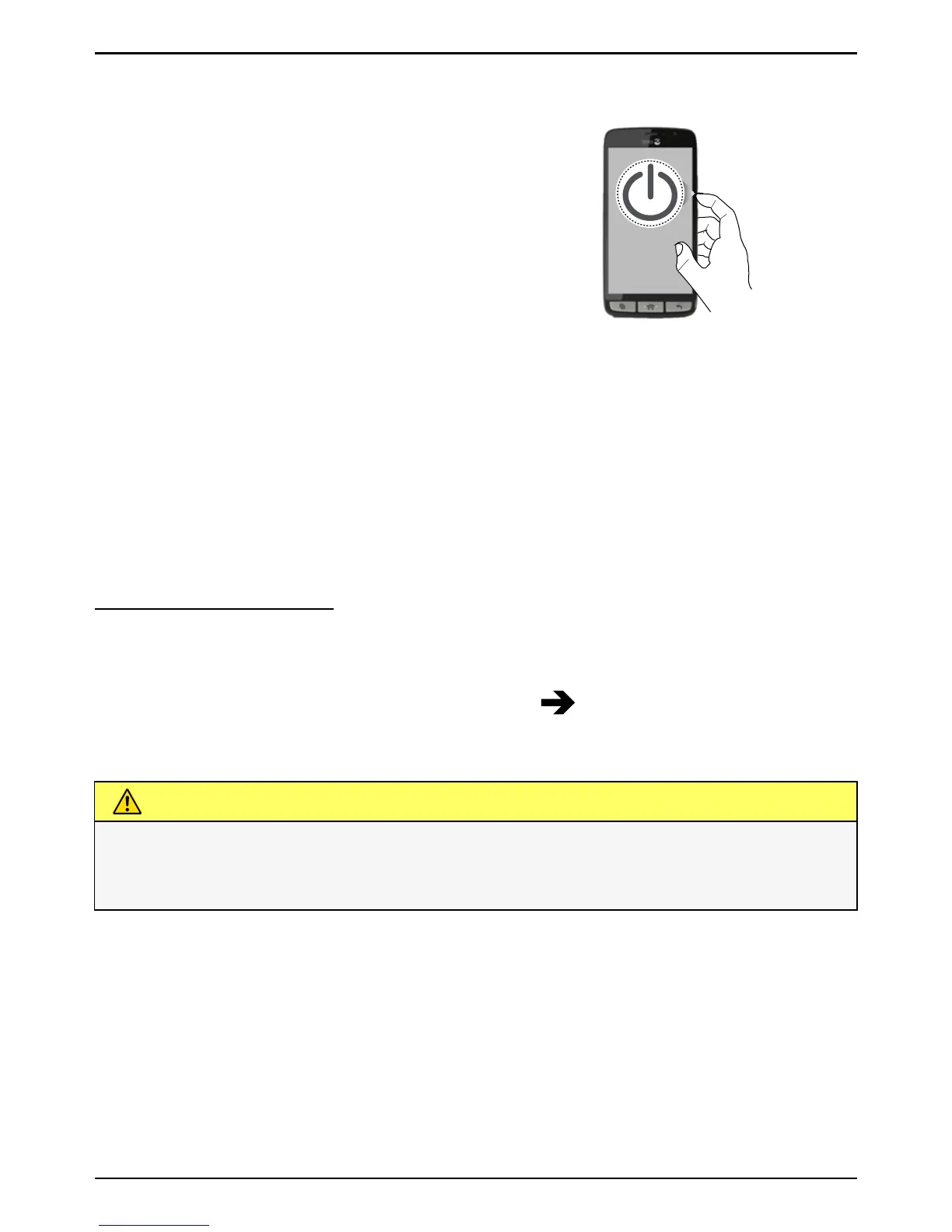
Turn on the phone
1. Press and hold the ! Power button un-
til the phone vibrates and the display
lights up.
2. Wait for the phone to start.
Note! When turning on your phone, the installed applications may need
to be updated. This will require an Internet connection and can take a
few minutes. A Wi-Fi connection is preferable. The phone may appear a
bit slow during the update.
If the wrong PIN code is entered several times Enter PUK is displayed
and you need to enter your PUK code (Personal Unblocking Key). Contact
your service provider for more information about PIN and PUK code. See
Change PIN code, p.25 for information about changing the PIN code.
Turn off the phone
1. Press and hold the ! Power button until the options menu opens.
2. In the options menu, select Power off
OK.
CAUTION
Only use batteries, chargers and accessories that have been approved
for use with this particular model. Connecting other accessories may
be dangerous and may void the phone's type approval and guarantee.



 To Next Page