English
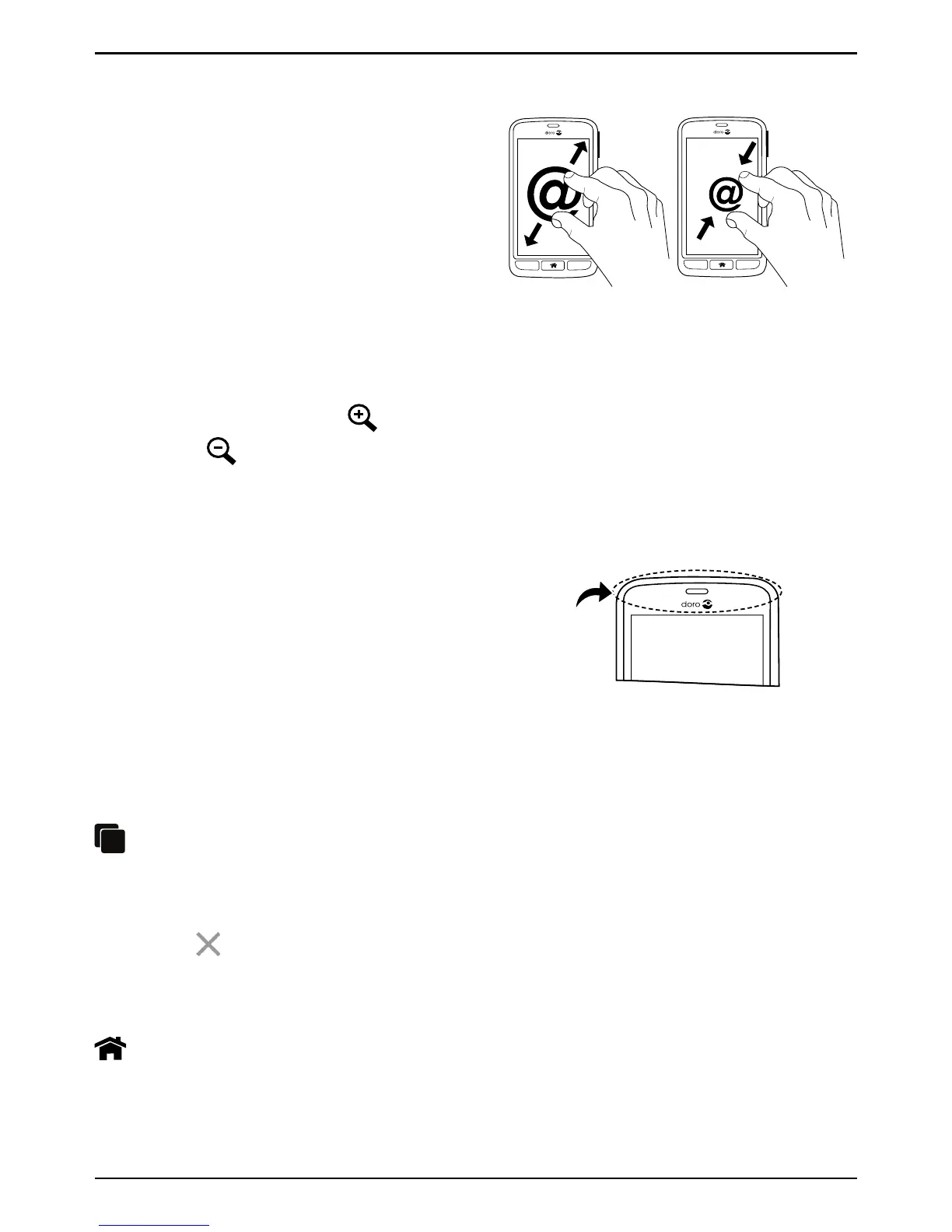
Pinch and spread (zoom)
• To pinch: Place two fingers sep-
arated on the screen and pinch
them together to zoom out of a
map. This function is not always
applicable.
• To spread: Place two fingers to-
gether on the screen and
spread them to zoom in. This
function is not always
applicable.
• If available, select
Your device has sensors that detect light and
proximity. The sensors adjust the brightness
of the screen, if set to automatic. It also turns
the touch screen off during voice calls when
your ear is close to the screen to prevent un-
intentionally activating other functions.
• Press and hold to view recently used applications.
1. To close an application, swipe it to the left or right. Or tap the
.
2. To open an application, tap it.
Home key
• Return to the Home screen.



 To Next Page