English
Reset the phone
IMPORTANT!
Resetting the phone means that most information will be lost such as
downloaded and installed applications, accounts, system and
application data and settings. Be sure to backup any data and files you
want to keep before you perform the reset. A backup is a safety copy of
information. Carefully read all the text below before you start.
The reason to perform a reset might be a persistent problem that is im-
possible to solve or if you want to pass the phone to someone else.
Note that everything added to the phone since you got it will be erased.
Exceptions
• Everything saved on an SD-card if you have one installed.
• Applications and data by Google
™
— if the box by Back up my data is
checked (see
Advanced settings in Backup, p.63.
• Information you have stored in any cloud storages (or on a computer,
see Connect the phone to a computer, p.55).
Reset the phone
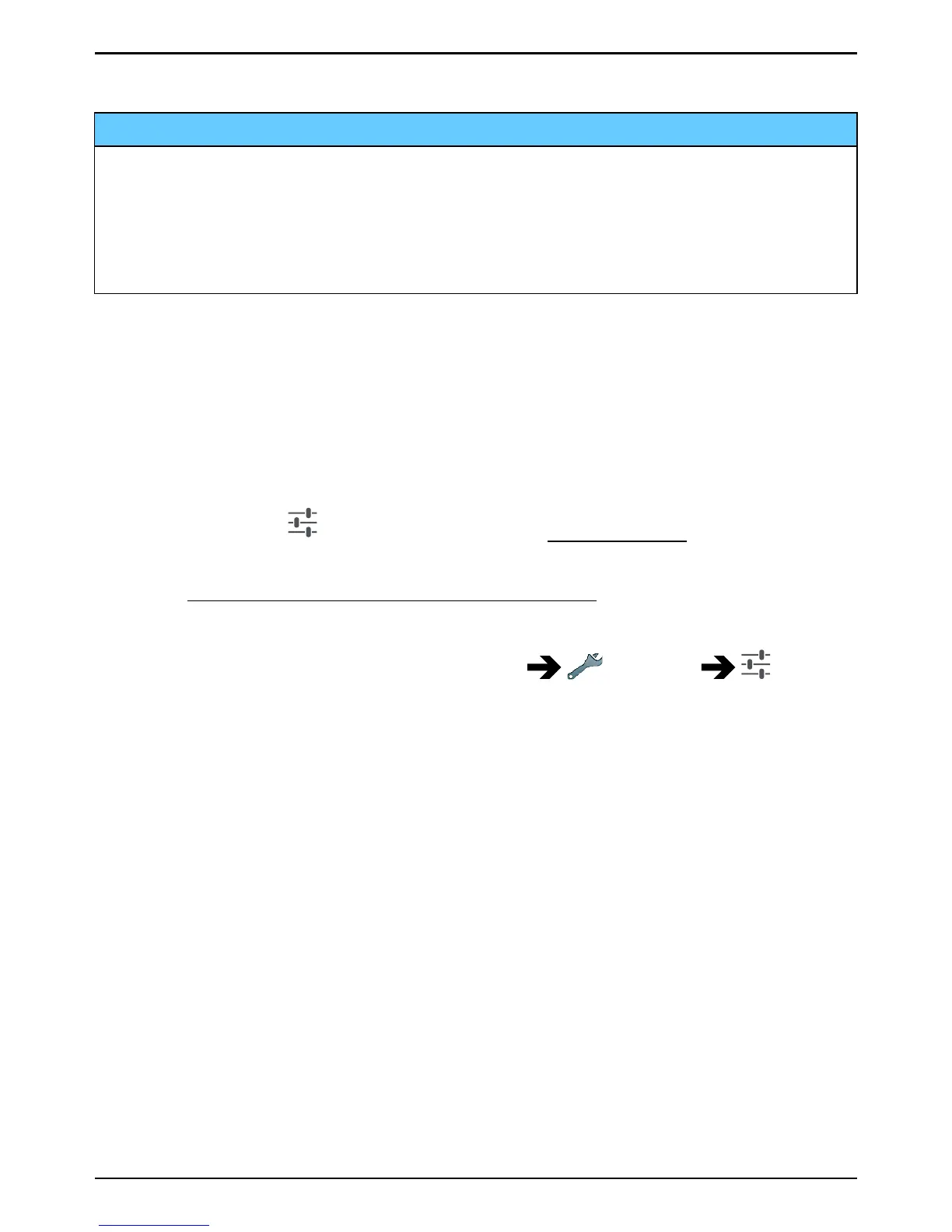
1. From the Home screen, select Menu
Settings Ad-
vanced settings.
2. Scroll to and select Backup & reset.
3. Select Factory data reset. Carefully read the on-screen information,
it is important!
4. Select Reset phone.
5. At last select Erase everything.
Note! No more questions will be asked, this is the final step!
6. After your phone resets, it will be set back to factory defaults and will
be just like it was when it came out of the box.
Backup
It's a good idea to backup your phone on a regular basis. Don't wait back-
ing up your phone until it's too late. There’s no universal method to back
up the information on your Android phone. Here we will mention some
ways to help you keep your information. We recommend that you
63



 To Next Page