English
Zoom
• Place two fingers together on the screen and spread them apart to
zoom in and pinch them together to zoom out.
Flash
Only the main camera has flash and the flash settings doesn't apply
when using the front camera.
1. Select
More Options.
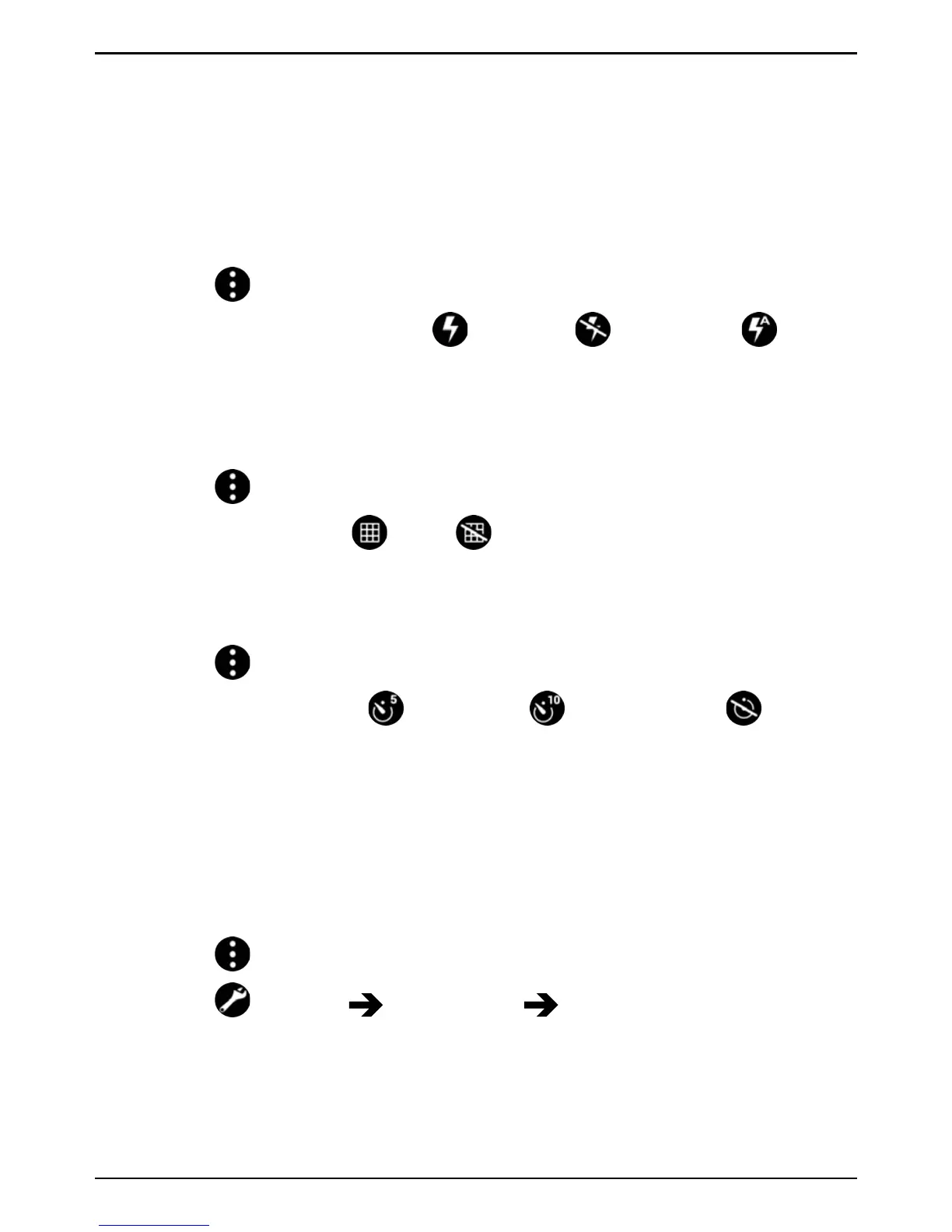
2. Press Flash mode to select
Flash on, Flash off or Flash
auto.
Grid preview
Use the grid lines to focus on the target, accurately and precisely.
1. Select
More Options.
2. Press Grid to select
On or Off.
Timer
The timer can be used when taking pictures and when recording videos.
1. Select
More Options.
2. Press Timer to select
5 seconds, 10 seconds or Timer
off.
Camera resolution
You can select which resolution size to take photos with. Generally, the
higher the resolution, the clearer the photo will be. However, high-resolu-
tion images take up more storage space. You can change the camera res-
olution at any time.
1. Select
More Options.
2. Select
Settings Photo mode Resolution (back camera)
and select:
• 8MP
• 6MP (default setting)
• 3MP



 To Next Page