English
IMPORTANT!
Information to the receiver of an assistance call, when Confirm with "0"
is activated:
• After receiving the assistance message, each number in the
Number list will be called sequentially.
• To confirm the assistance call, the receiver needs to press
0
.
• If the receiver doesn’t press
0
within 60 seconds (after
answering) the call will be disconnected and the next number in
sequence will be called.
• If the receiver presses
0
within 60 seconds, the call is confirmed
and no further call attempts will be made (assistance sequence
interrupted).
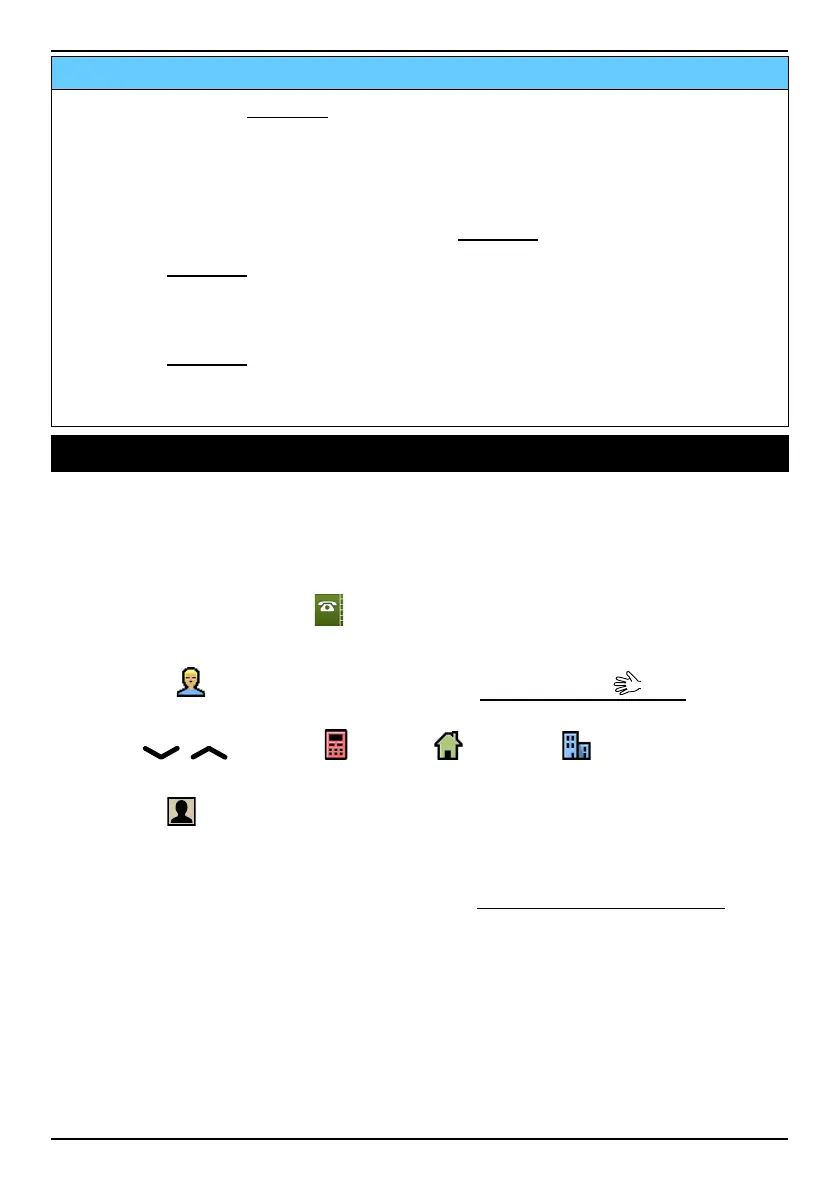
Phonebook
The phonebook can store 300 entries with 3 phone numbers to each
entry.
Creating a phonebook entry
1. Press Menu, scroll to and press OK.
2. Select -New contact- and press Add.
3. Enter a
Name for the contact, see Entering text , p.8. Delete
with Clear.
4. Use
/ to select Mobile, Home or Office, and enter
the phone number(s) including the area code.
5. Select
Picture and press Edit to associate a picture to the
contact.
This picture will be displayed when you call the corresponding con-
tact or when they are calling you, see Phonebook picture, p.27.
• Select Take picture and press OK to use the camera to take a
picture.
• Select My pictures and press OK to select an existing picture.
6. Press Save.
Tip: For international calls, always use + before the country code for best
operation. Press
*
twice for the international prefix +.
12















 To Next Page