English
Wallpaper
Save as display background. Press OK.
Phonebook
picture
Save as phonebook contact. Press OK.
Details
View detailed information about the file, e.g. date, size, copyright.
Rename
Rename image. Delete with Clear and press Done to confirm.
Browse style
You can change image view. Default is Large, you can also select List or
Medium.
In List the file name, the date and the size of the image is shown.
Sort by
Select if you want to sort your images by Name or Time.
Storage
Select where the phone should save files if you have memory card
installed.
Delete all
Press OK to delete all images. Press Yes to confirm or No to return.
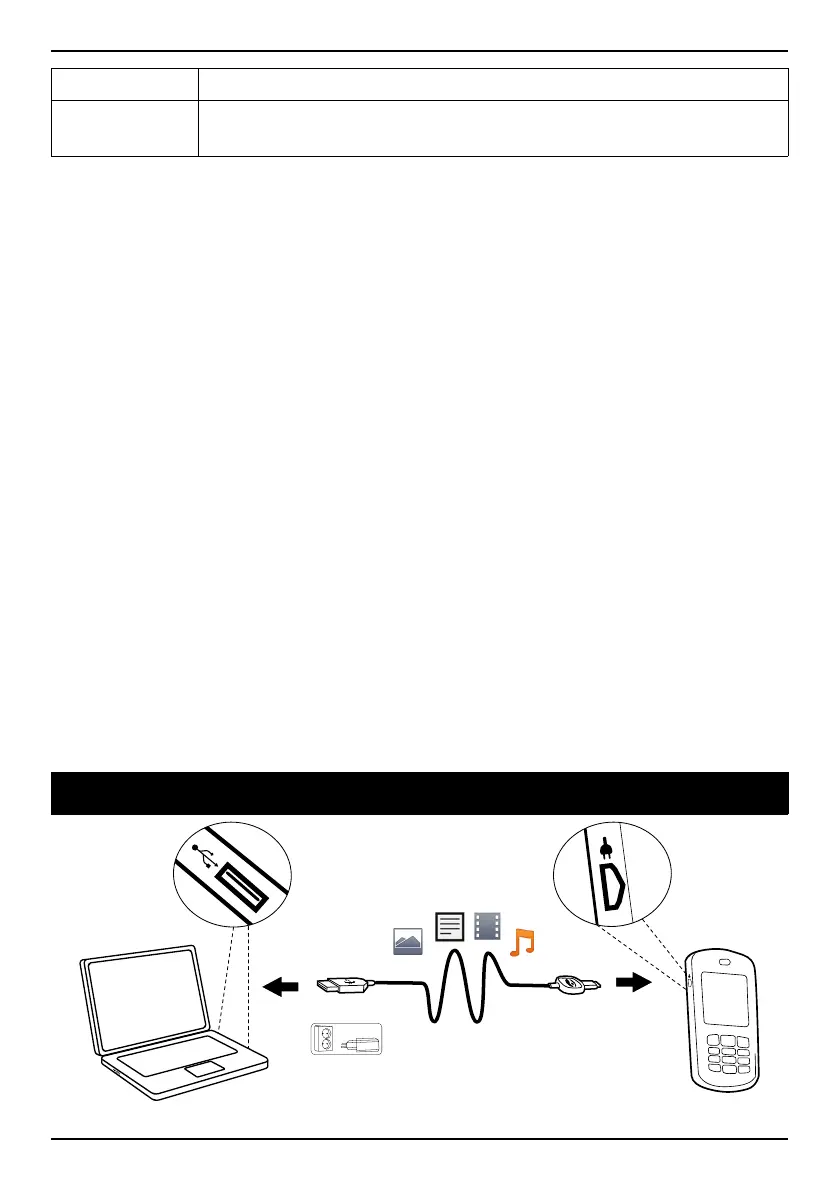
Connecting the phone to a computer
22















 To Next Page