English
3. Select Manual input and press OK.
4. Select one of the following options and press OK.
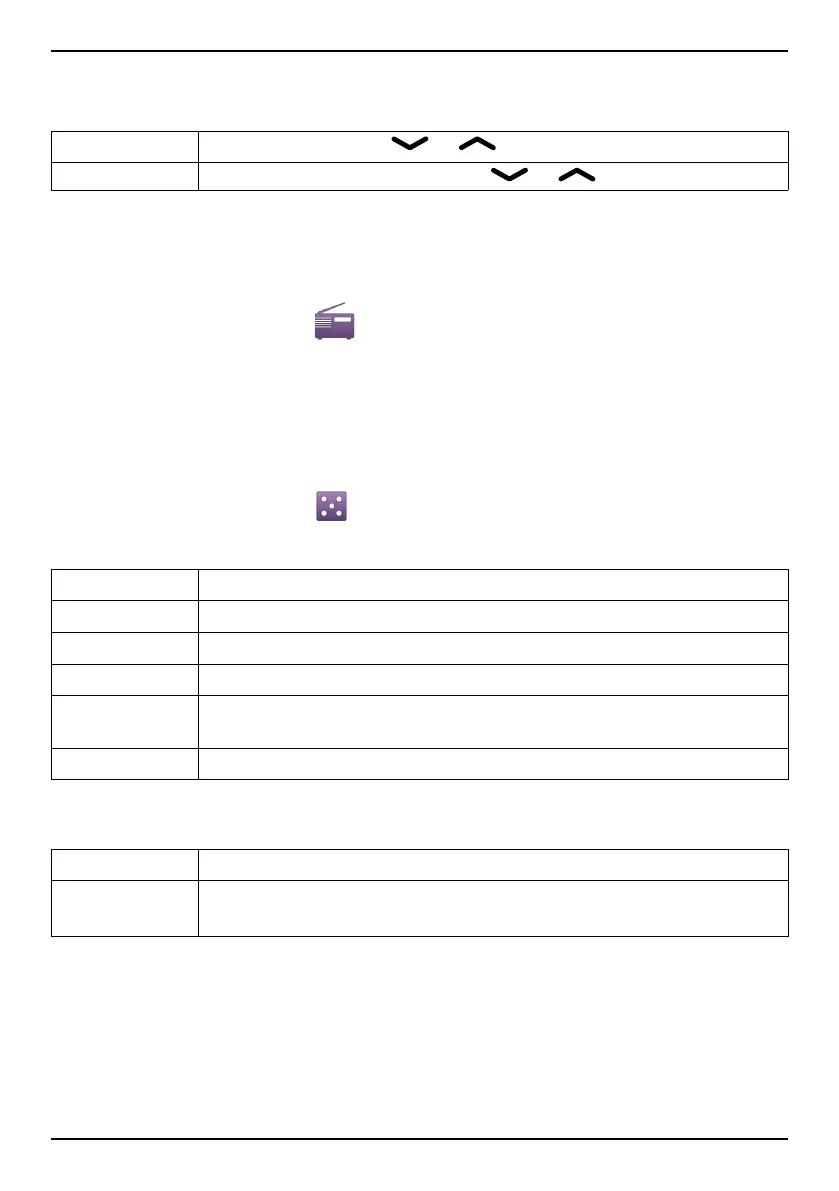
Fine tune Manual tuning with or .
Auto search Automatic station search with
or .
Auto save
Note! This will overwrite all previously saved channels!
1. Press Menu, scroll to
and press OK.
2. Select Options.
3. Select Auto save and press OK to automatically install available ra-
dio stations in channels
1
-
9
.
Games
1. Press Menu, scroll to and press OK.
2. Select Tetris or Boxman then press OK for the following options:
Continue Press OK to continue game.
Restart level
Press OK to restart game at the same level as before.
Start game Press OK to start a new game.
Game level Select difficulty level and press OK.
Best grades
Shows your best results. Press Back to return or Reset to re-
set the scores.
Help
Shows instructions for the game. Press Back to return.
Settings
Sound effect Use side buttons +/- to select On or Off, then press OK.
Volume Use the side buttons +/– to adjust the sound volume, then
press OK.
Instructions for the REMOTE USER
Sending remote control commands by text message.
Activation must be set to On and the remote user must be entered in
Number list on the Doro PhoneEasy
®
613.
50















 To Next Page