English
Call log
Received, missed and dialled calls are saved in a combined call log.
20 calls of each type can be stored in the log. For multiple calls related to
the same number, only the most recent call is saved.
Retrieve and dial
1. Press .
Alternatively, press Menu
Call log.
2. Use
/ to select:
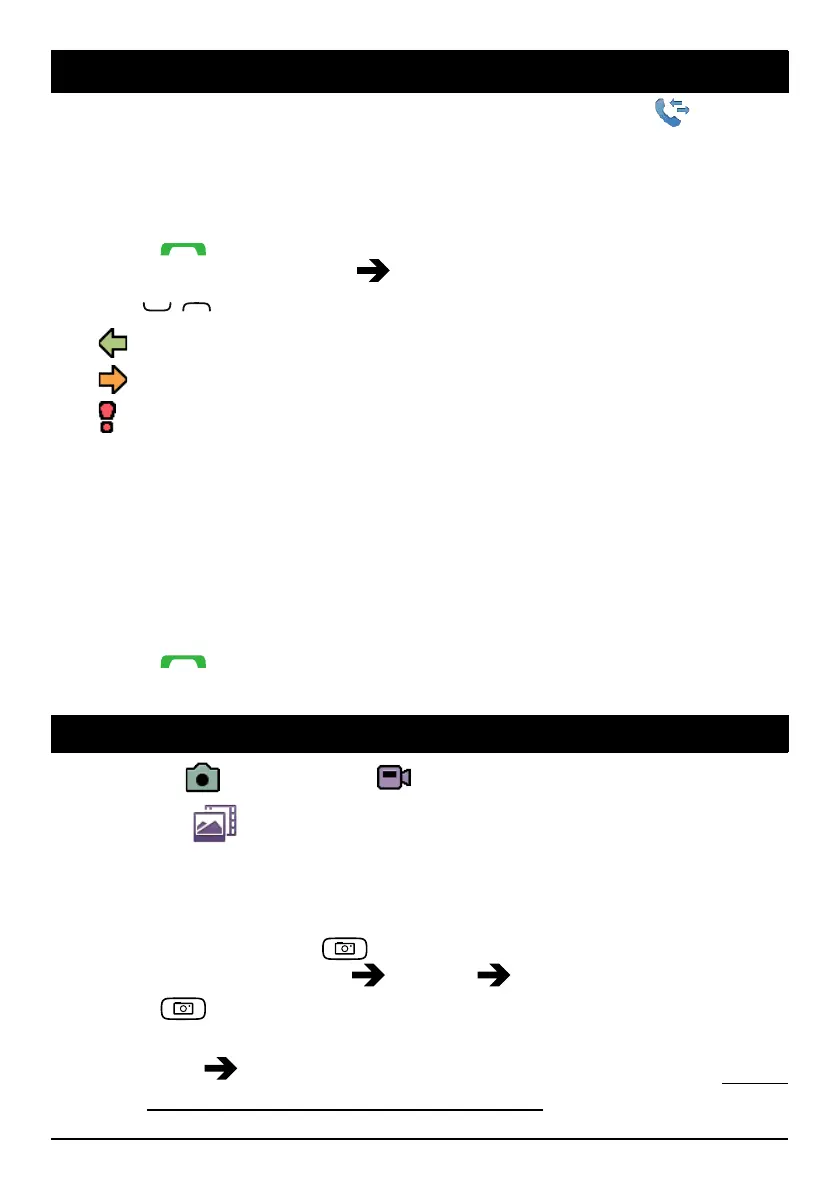
Received call
Dialled call
Missed call
3. Press Options:
• View to show details for the selected call.
• Delete to delete the call.
• Delete all to delete all calls in the call log.
• Save to save the number in the phonebook.
4. Press OK to confirm.
5. Press
to dial.
Camera
You can take photos, record videos and view your photos and vid-
eos using the
Camera menu.
Camera (take photos)
To get sharp photos, wipe the lens clean with a dry cloth.
1. Press shortcut button
.
Alternatively press Menu
Camera Camera.
2. Press
to take photo.
3. Press Options:
• Send
Send by MMS to send as picture message. See Create
and send picture message (MMS), p.14.
17















 To Next Page