English
Notes
1. Press Menu Organizer Notes.
2. Select Add to enter your note using the keypad.
3. Press OK to save.
Options
1. Press Menu
Organizer Notes.
2. Select a note, then press Options:
• Add to add new note.
• Edit to edit selected note.
• Delete to delete selected note.
• Delete all to delete all notes.
3. Press OK to confirm.
More
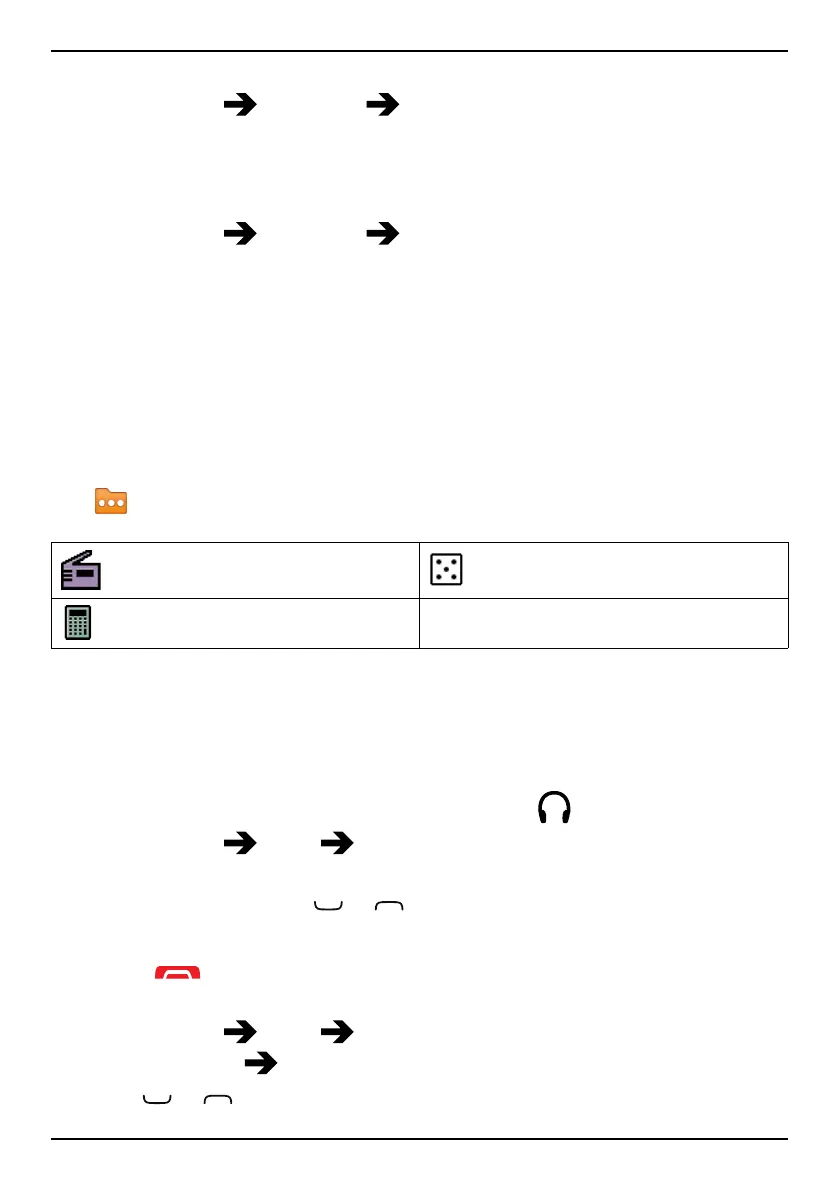
The More menu contains:
FM radio
Games
Calculator
FM radio
The FM radio has a frequency range from 87.5 to 108.0 MHz and 9 pre-
set channels.
Turning the radio on
1. Connect the headset to the headset socket
.
2. Press Menu
More FM radio. The radio is turned on. The
tuned frequency is displayed.
3. Select channel using
or . Use the side keys +/- to adjust the
volume.
Tip: Press
to return to standby mode. The radio will continue to play.
Volume
1. Press Menu
More FM radio.
2. Press Options
Volume.
3. Use
or or the side buttons +/– to adjust the volume.
43















 To Next Page